
Why Is My Mouse or Touchpad Acting Weird? A Simple Guide to Regaining Control
Quick Summary
If your mouse jumps, clicks on its own, or your touchpad feels possessed, you’re not imagining it. These problems are common — and usually very easy to fix.
Imagine This Scenario
You try to click a button.
The cursor zooms away.
You try again.
It selects everything except what you want.
You start suspecting the computer has free will.

Let’s calm the chaos.
1. Dirty Sensors Cause Wild Movement
Summary: Dirt confuses mice.
Dust, crumbs, or hair can block sensors.
Fix:
Turn mouse upside down
Wipe gently
Clean mouse pad
2. Touchpads Are Very Sensitive
Summary: Accidental taps cause chaos.
Sleeves, palms, or wrists may trigger it.
Fix:
Adjust touchpad sensitivity
Disable “tap to click”
Use an external mouse if needed

“Need a hand? Your friends at FriendlyHelp are just a click away—book your appointment today!
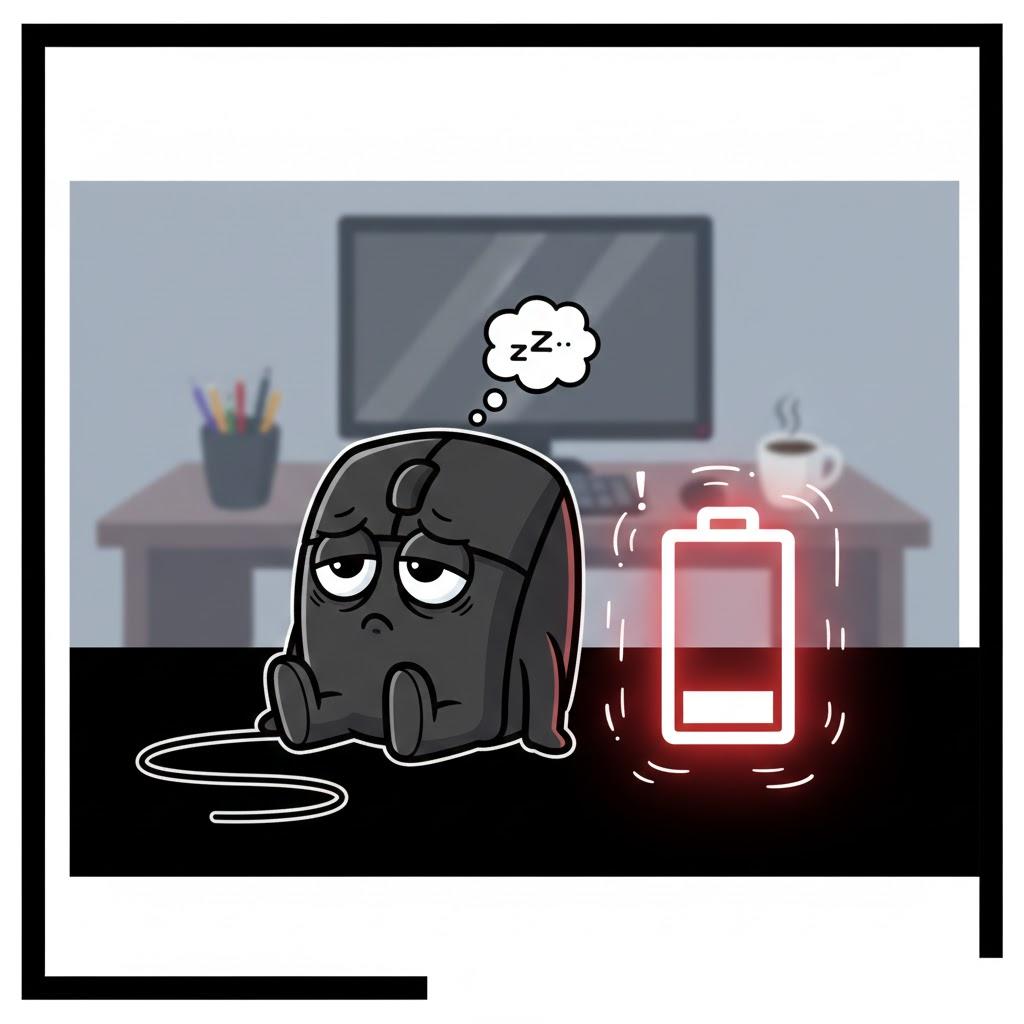
3. Batteries Matter More Than You Think
Summary: Low batteries cause erratic behavior.
If your mouse:
Skips
Freezes
Moves randomly
Replace the batteries.
4. Bluetooth Can Interfere
Summary: Wireless devices fight sometimes.
Turn Bluetooth off and on again.
Reconnect the mouse.
“Need a hand? Your friends at FriendlyHelp are just a click away—book your appointment today!
5. Speed Settings Might Be Too High
Summary: Fast doesn’t mean better.
Lower cursor speed in settings.
Slower movement = better control.
FAQ: Mouse & Touchpad Issues
Q1: Is my mouse broken?
Rarely — cleaning fixes most issues.
Q2: Should I use a wired mouse?
Yes — they’re simple and reliable.
Q3: Why does this happen suddenly?
Settings change accidentally all the time.
The 5 Golden Rules of Cursor Control
Keep sensors clean.
Replace batteries early.
Lower speed settings.
Disable accidental taps.
Don’t wrestle the mouse — guide it.
Cursor problems usually feel dramatic—but the fixes are often simple.
A bit of cleaning, a battery change, or a small settings adjustment can quickly restore control. These issues don’t mean your computer is broken—they just mean something needs a quick reset. And if your mouse or touchpad is still misbehaving or you’d like help adjusting things comfortably, FriendlyHelp is here to help you get things back under control calmly and confidently.
