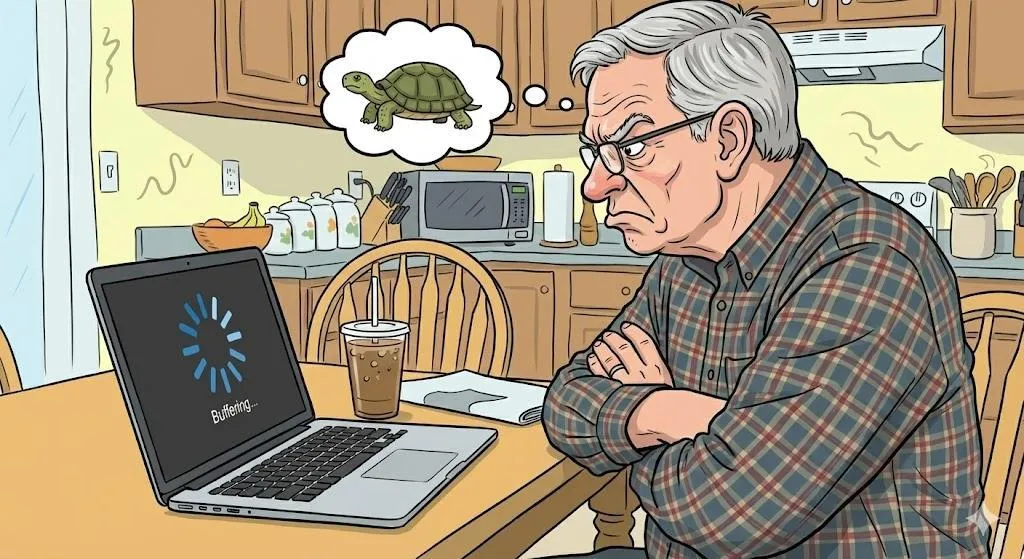
Why Does My Internet Feel Slow Even When I’m Not Doing Much?
Quick Summary
Slow internet doesn’t always mean bad service. Often, it’s caused by small, fixable things happening quietly in the background. This guide explains why the internet slows down and what you can do—without calling the cable company in a panic.
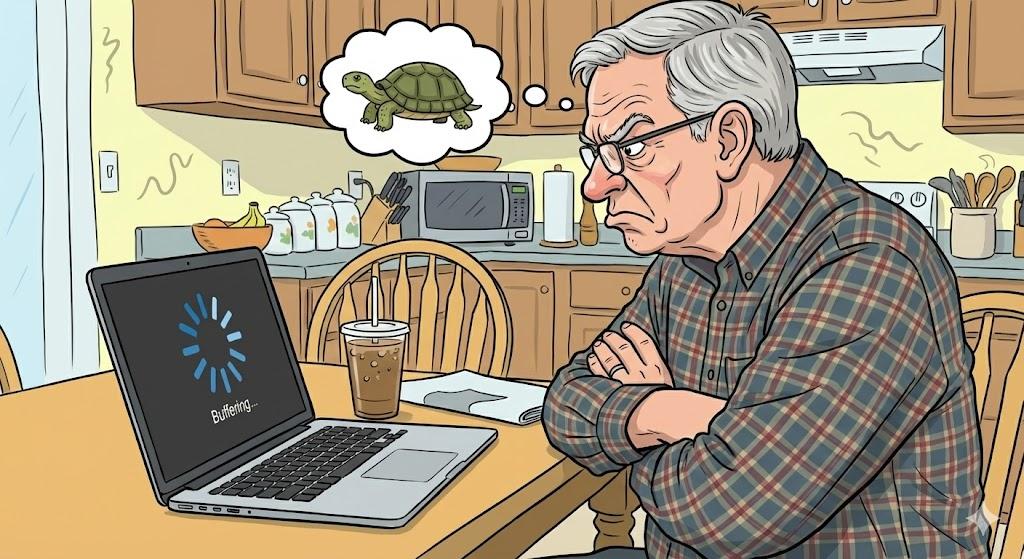
Imagine This Scenario
You open your email.
It loads… slowly.
You open a website.
Still loading.
You think:
“I’m not even doing anything! Why is this so slow?”
Good news: your internet isn’t broken. It’s just… busy.
1. Too Many Devices Are Using the Internet at Once
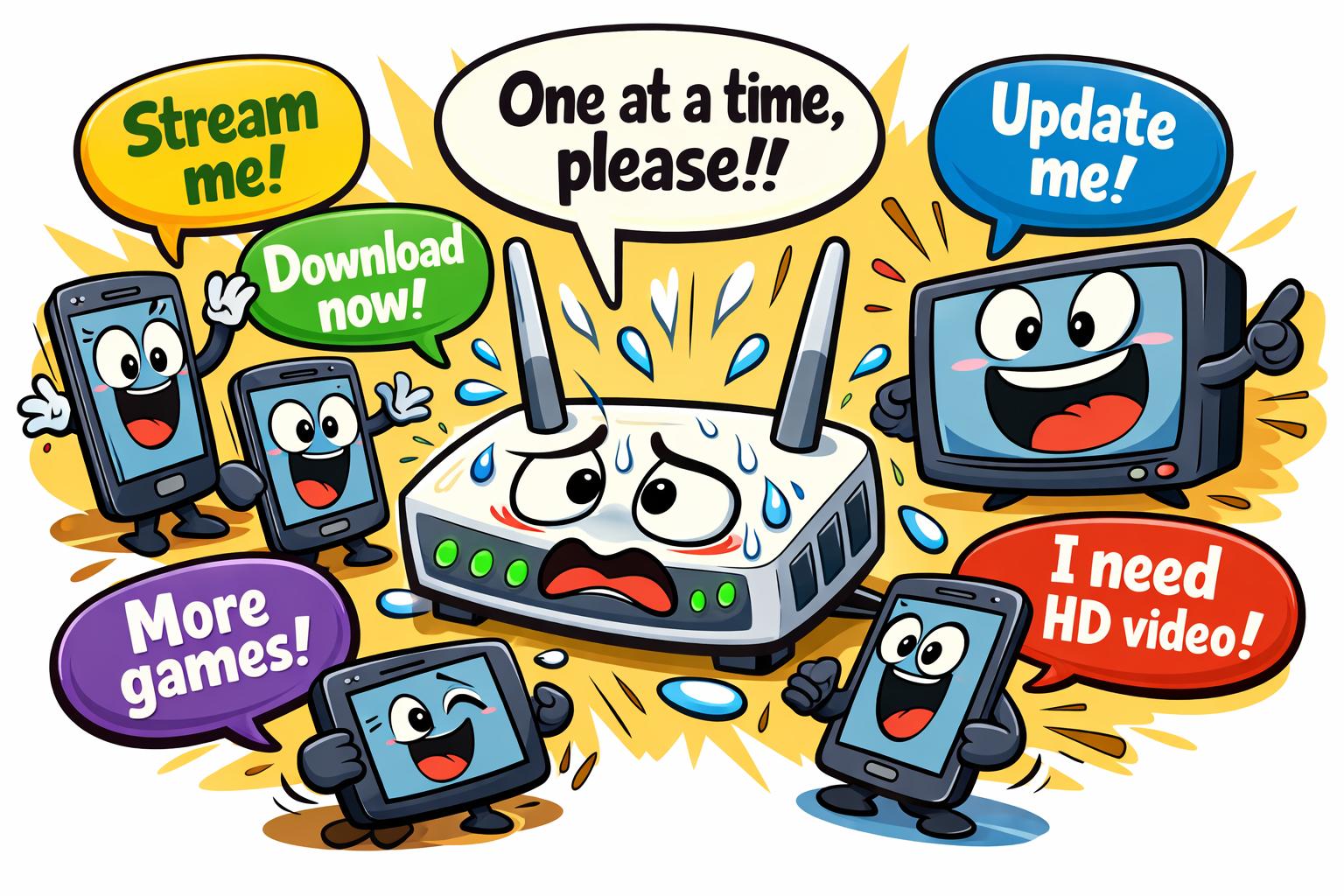
Summary: You may not be alone on your Wi-Fi.
Internet speed is shared among all connected devices.
That includes:
Phones
Tablets
TVs
Smart speakers
Security cameras
Someone streaming videos in another room
Easy Fix:
Pause streaming devices and see if speed improves.
2. Your Wi-Fi Signal Might Be Weak
Summary: Distance matters more than you think.
Wi-Fi slows down when:
You’re far from the router
Walls block the signal
The router is hidden in a corner
Easy Fix:
Move closer to the router or place it in a central area.
“Need a hand? Your friends at FriendlyHelp are just a click away—book your appointment today!
3. Background Updates Are Sneaking Around
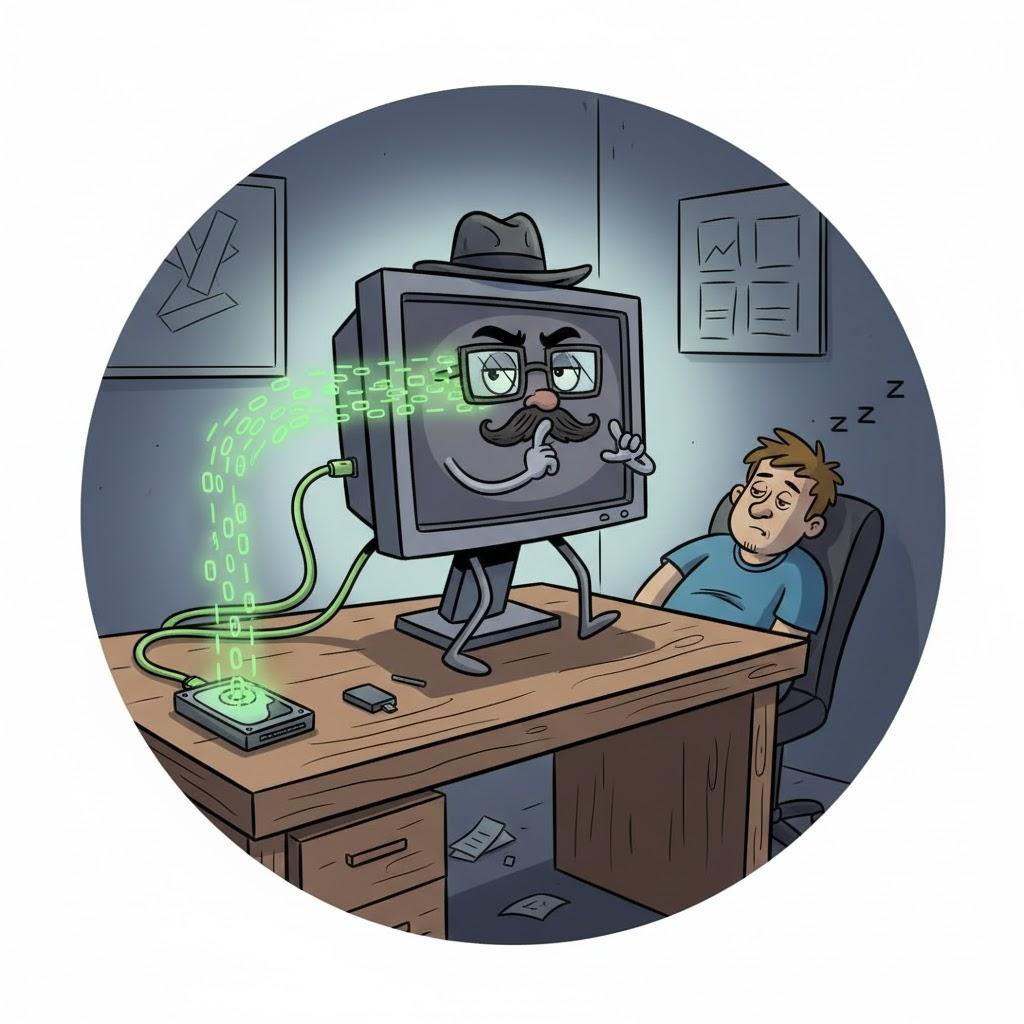
Summary: Devices update when you’re not looking.
Phones, computers, and TVs quietly download updates.
These updates use the internet—even if you didn’t start them.
Easy Fix:
Restart devices and let updates finish when you’re not busy.
4. Your Browser Has Too Many Tabs Open
Summary: Tabs use the internet—even in the background.
Each open tab can refresh itself.
Yes—even the ones you forgot about.
Easy Fix:
Close tabs you aren’t using.
Your internet (and sanity) will improve.
5. The Router Needs a Restart (Again)
Summary: Routers get tired too.
Routers work 24/7.
Restarting clears small errors.
Easy Fix:
Unplug the router for 30 seconds.
Plug it back in.

6. Your Internet Plan May Be Slower Than You Realize
Summary: Not all plans handle modern use well.
Streaming, video calls, and smart devices need more speed than years ago.
You don’t need the fastest plan—but you might need a slightly better one.
7. The Website Might Be the Problem
Summary: Sometimes it’s not you.
Some websites are slow for everyone.
Test speed by opening:
Google
YouTube
Your email
If those load fast, the internet is fine.
“Need a hand? Your friends at FriendlyHelp are just a click away—book your appointment today!
FAQ: Slow Internet
Q1: Should I call my provider immediately?
Try restarting devices first—it fixes most issues.
Q2: Does weather affect the internet?
Yes—especially during storms.
Q3: Is slow internet dangerous?
No—just annoying.
The 5 Golden Rules of Internet Sanity
Restart the router weekly.
Close unused tabs.
Move closer to Wi-Fi.
Limit background updates.
Don’t assume the worst.
Most slow internet moments aren’t caused by a serious problem or poor service—they usually come from shared connections, background activity, or a tired router trying to do too much at once. A few small adjustments, like closing unused tabs, restarting equipment, or moving closer to Wi-Fi, can make a noticeable difference. And if your connection still feels sluggish or confusing, FriendlyHelp is always here to help you sort it out patiently—so your internet feels smooth, steady, and stress-free again.
