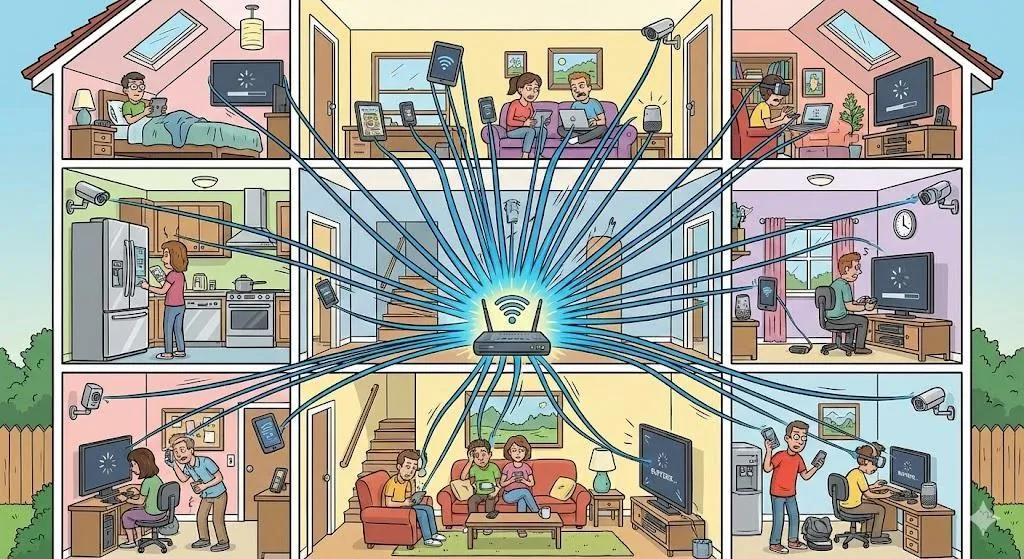
Humorous cutaway cartoon illustration of a multi-room house packed with connected devices. A Wi-Fi router in the center sends connection lines to dozens of smartphones, laptops, tablets, TVs, security cameras, gaming systems, and smart appliances throughout the home. Family members in different rooms are all using the internet at the same time. Fun educational style, colorful detailed cartoon artwork, easy-to-understand visual storytelling, landscape format, no text.

How Many Devices Can Use the Internet at the Same Time (and Why It Matters)

June 08, 20262 min read

Quick Summary

Your internet doesn’t stop working when many devices connect—but it does slow down. Understanding how shared internet works helps reduce buffering and frustration.


Imagine This Scenario

The TV starts buffering. A video call freezes. Someone else’s device begins downloading updates. Everyone blames the internet—but the real issue is sharing.


1. Internet Speed Is Shared

Summary: All devices pull from the same connection.

Streaming, video calls, gaming, and cloud backups use far more data than email or browsing.
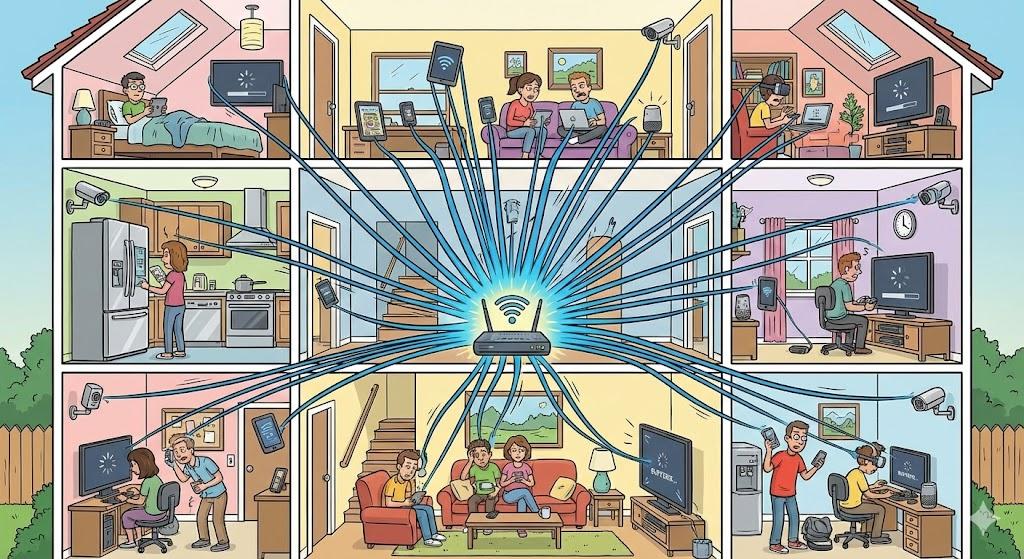
Humorous cutaway cartoon illustration of a multi-room house packed with connected devices. A Wi-Fi router in the center sends connection lines to dozens of smartphones, laptops, tablets, TVs, security cameras, gaming systems, and smart appliances throughout the home. Family members in different rooms are all using the internet at the same time. Fun educational style, colorful detailed cartoon artwork, easy-to-understand visual storytelling, landscape format, no text.


2. Signs You’re Using Too Much at Once

Summary: The internet gives clear hints.

  • Videos buffer

  • Calls lag

  • Pages load slowly

  • Performance improves late at night


3. Devices That Use the Most Data

Summary: Some devices demand more bandwidth.

Smart TVs, gaming systems, automatic updates, and cloud backups are common culprits.

“Need a hand? Your friends at FriendlyHelp are just a click away—book your appointment


4. Easy Ways to Improve Performance

Summary: Small changes can help immediately.

  • Pause downloads

  • Turn off unused devices

  • Restart the router

  • Schedule updates overnight

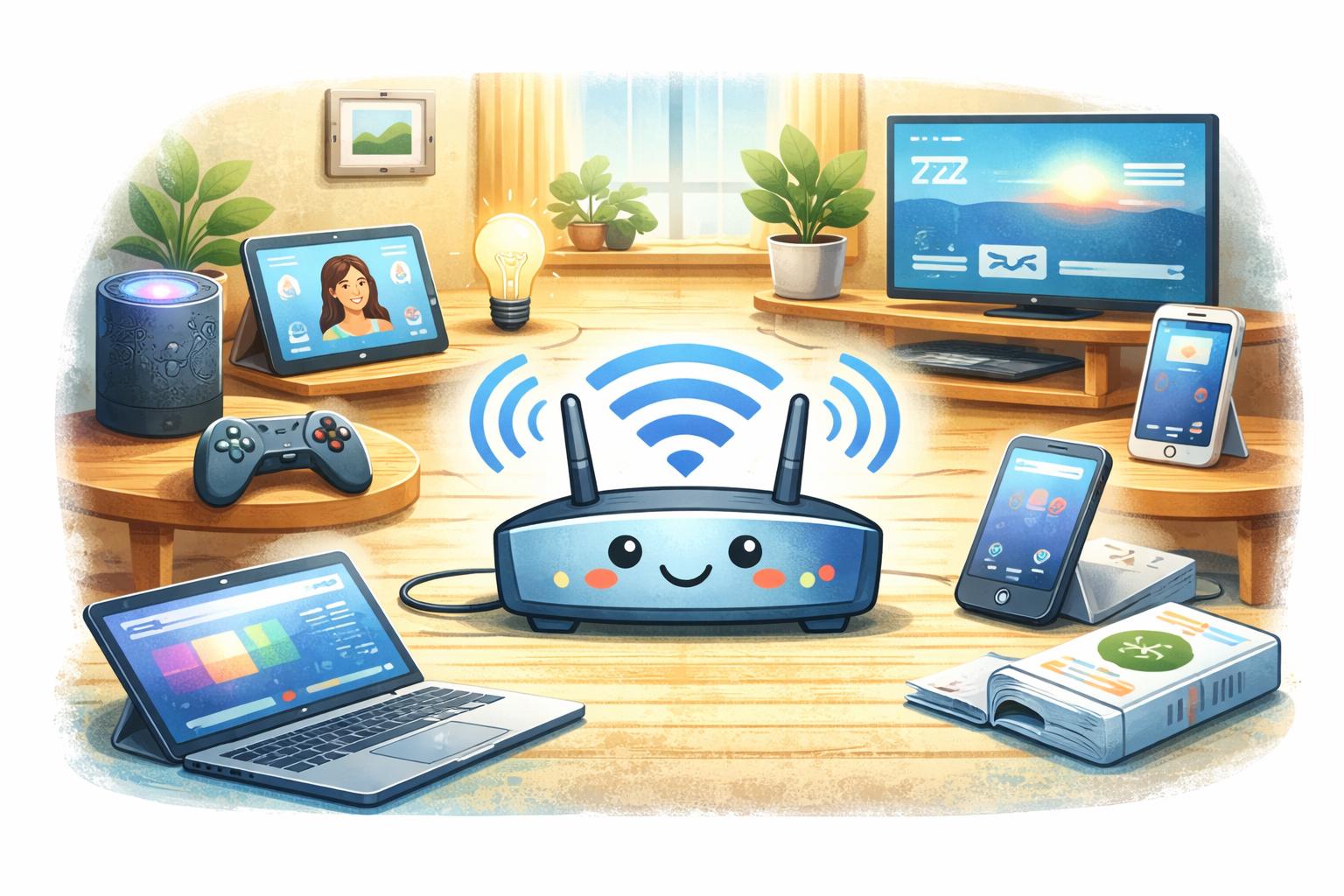
    Friendly educational cartoon illustration of a cheerful Wi-Fi router sitting in the center of a cozy home, surrounded by many connected devices including a laptop, tablet, smartphone, smart speaker, gaming controller, streaming TV, and smart home gadgets. Bright blue Wi-Fi signals radiate outward to every device, showing a busy but well-functioning network. Warm lighting, colorful family-friendly style, clean composition, soft textured digital illustration, landscape format, no text.

“Need a hand? Your friends at FriendlyHelp are just a click away—book your appointment


FAQ: Multiple Devices

Do I need a faster plan?
Only if slowdowns happen constantly after trying these steps.

Does Wi-Fi strength matter?
Yes. Weak signals make congestion feel worse.


The Golden Rules for Busy Homes 📶

  • Limit background activity

  • Prioritize important tasks

  • Restart regularly

  • Upgrade only if needed


Most slow-internet frustrations aren’t caused by bad service—they happen when too many devices quietly share the same connection at once. Small adjustments like pausing downloads, restarting the router, or managing background activity often restore smoother performance faster than expected. And when buffering, lag, or dropped calls start interfering with daily life, FriendlyHelp is here to help you sort it out patiently—so your internet keeps up with the way you live.

The FriendlyHelp Team helps people feel confident with everyday technology. We explain digital tools, subscriptions, and online services in clear, simple language—without pressure, jargon, or confusion. Our goal is to make technology easier, safer, and less stressful.

FriendlyHelp Team

The FriendlyHelp Team helps people feel confident with everyday technology. We explain digital tools, subscriptions, and online services in clear, simple language—without pressure, jargon, or confusion. Our goal is to make technology easier, safer, and less stressful.

Back to Blog