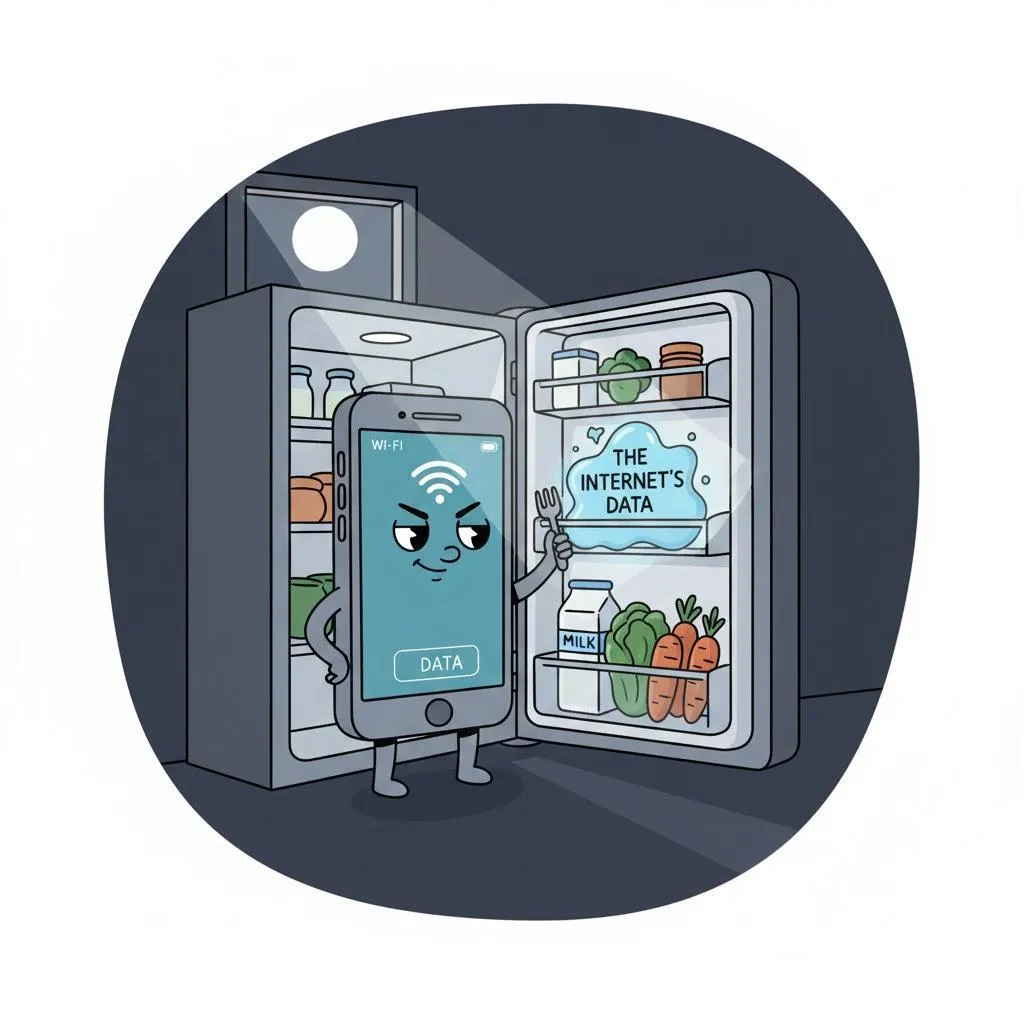
Why Is My Phone Using So Much Data? A Friendly Guide to Stopping Data Drain
Quick Summary
If your mobile data disappears faster than your favorite snacks, your phone may be using data behind your back. Here’s how to stop it.
Imagine This Scenario
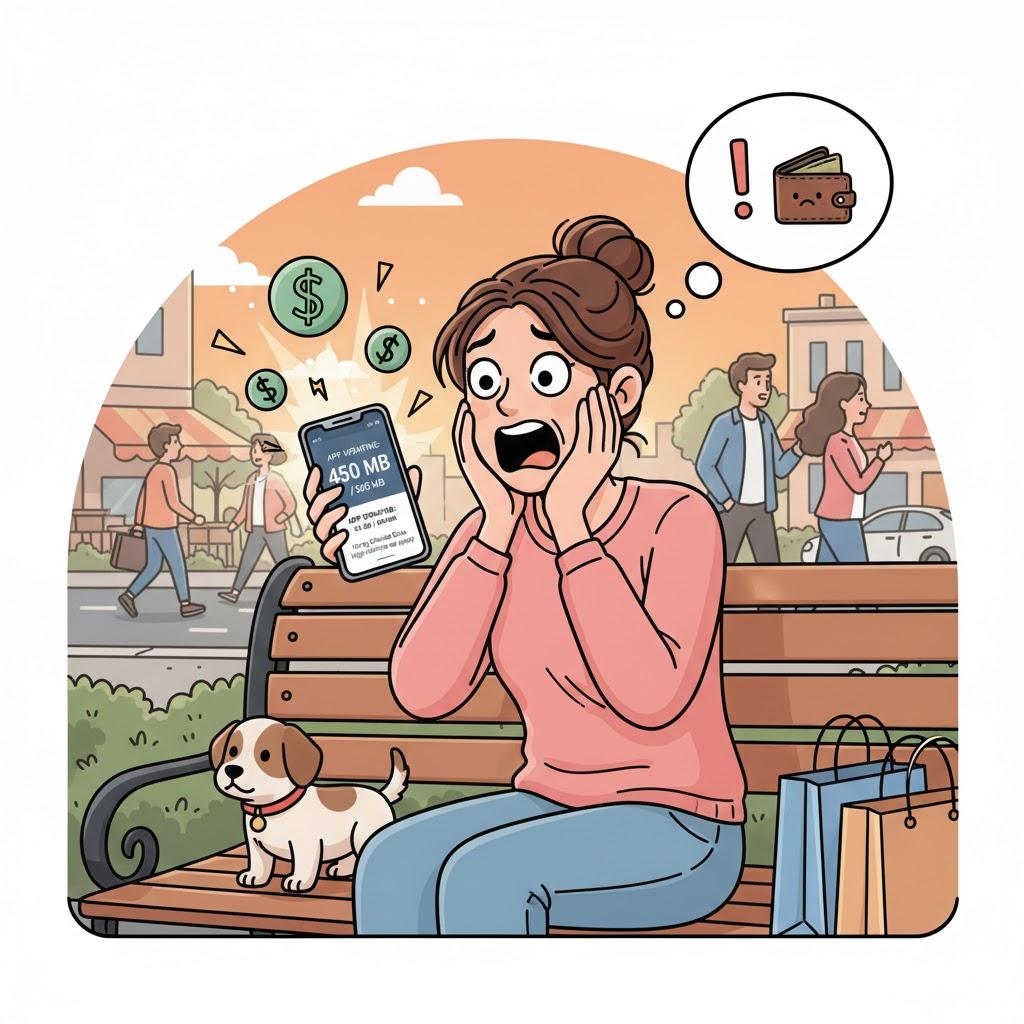
It’s the middle of the month and you get a message:
“You have used 90% of your data.”
You gasp.
You haven’t even watched anything!
Or… have you?
Your phone may have been enjoying data snacks without your permission.
Let’s find the leaks.
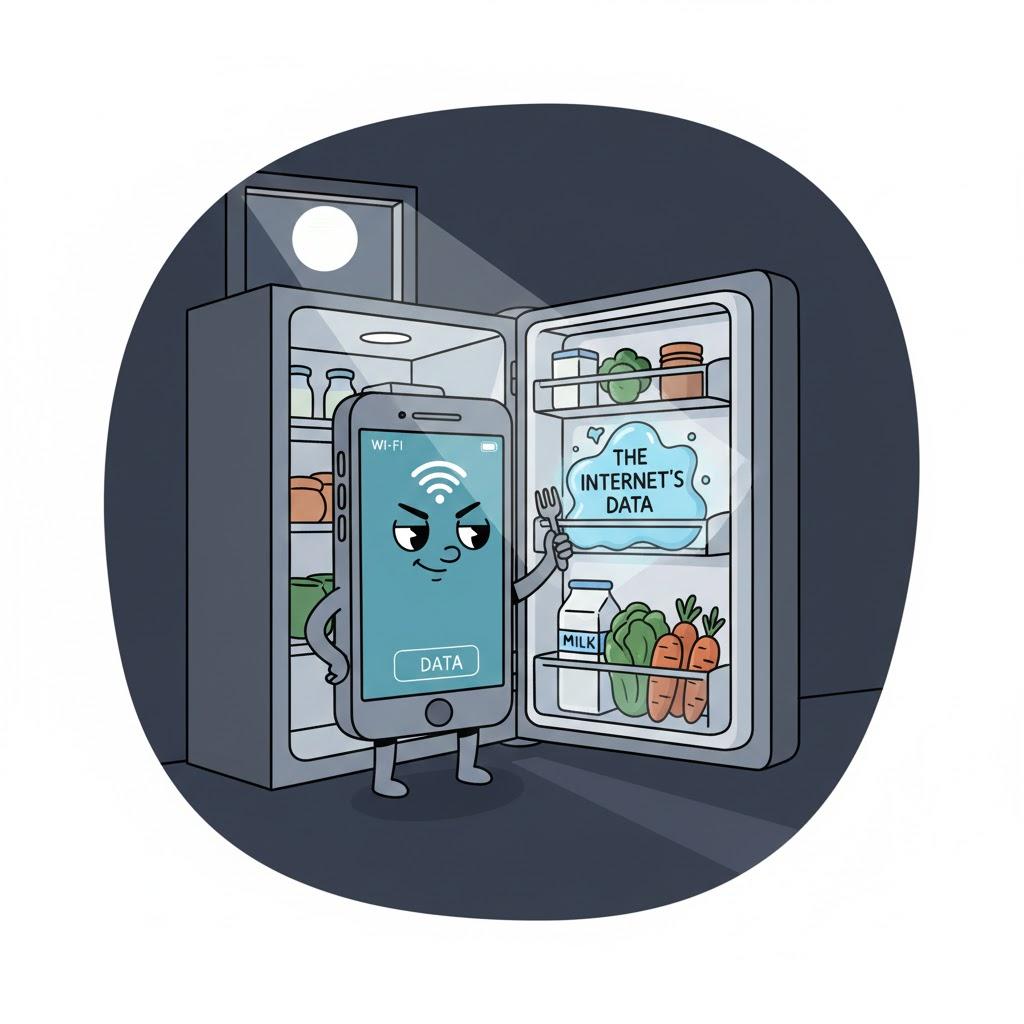
1. Apps Running in the Background
Summary: Some apps use data even when you're not using them.
Apps like Facebook, Instagram, and email update themselves constantly.
Quick Fix:
Turn off Background App Refresh in your phone settings.
“Need a hand? Your friends at FriendlyHelp are just a click away—book your appointment today!
2. Videos Playing Automatically
Summary: Videos on Facebook, TikTok, and news sites can chew through data like popcorn.
Quick Fix:
Turn off Auto-Play on social media apps.
3. Cloud Backups Using Mobile Data
Summary: Google Photos or iCloud may be backing up photos over data.
Quick Fix:
Set them to Wi-Fi Only.
4. Apps Updating Automatically
Summary: Updates can be huge.
Quick Fix:
Turn off Automatic Updates on Data so they only update on Wi-Fi.
“Need a hand? Your friends at FriendlyHelp are just a click away—book your appointment today!
5. Streaming in High Definition
Summary: HD video eats data fast.
Lowering quality saves a ton of data.
6. Location Services Running Constantly
Summary: Some apps track location in real time.
Quick Fix:
Set apps to “Only While Using” or turn off location for apps that don’t need it.
FAQ: Data Problems
Q1: How much data do I need per month?
Most people use 2–5GB unless they stream video daily.
Q2: Why is data used even while sleeping?
Background tasks — easy to turn off.
Q3: Should I turn off mobile data entirely?
Yes, when you’re on Wi-Fi to avoid leaks.
The 5 Golden Rules to Save Data
Turn off background data.
Disable auto-play videos.
Use Wi-Fi whenever possible.
Lower streaming quality.
Watch your monthly usage.
Most data overuse doesn’t come from anything you did “wrong”—it usually comes from apps running quietly in the background, videos playing automatically, or settings that default to using mobile data whenever Wi-Fi isn’t available. A few small changes can stretch your data much further and prevent surprise warnings. And if your data still seems to disappear too quickly, FriendlyHelp is always here to walk through your settings patiently—so your phone works with you, not against your plan.
