
Everything you need to walk into the call prepared, confident, and ready to lead.
This page includes your essential call materials, slide decks, talking points, and key resources to help you run a smooth, professional Zoom from start to finish.






STEP ONE
In this step, you’ll learn what to look for when identifying the right client to contact. The goal is to spot businesses that are best positioned to benefit from Rank Takeover and its partners. Below are key markers to help guide your search, along with a video that shows you how to find strong-fit prospects.
We dont want a website that looks outdated, cluttered, or poorly organized
We want a website with a clear call to action at the top, such as a phone number or contact form
An ideal client may already have helpful tools in place, such as an AI agent for questions or a missed-call text-back feature
A website whose wording, pages, or service tabs closely match the keywords they want to target, such as emergency service, near me, or specific service terms
STEP TWO
In this step, you’ll set up your desktop by clicking the icons in order. With the help of the training video, you’ll organize everything into one folder that can be opened each time you have a Zoom call, making your setup simple, smooth, and ready to execute. Watch the short instructional video, then click the image to open the tabs and organize your workspace.
TAB #1

Company Website
TAB #2

Zoom Deck Intro
TAB #3
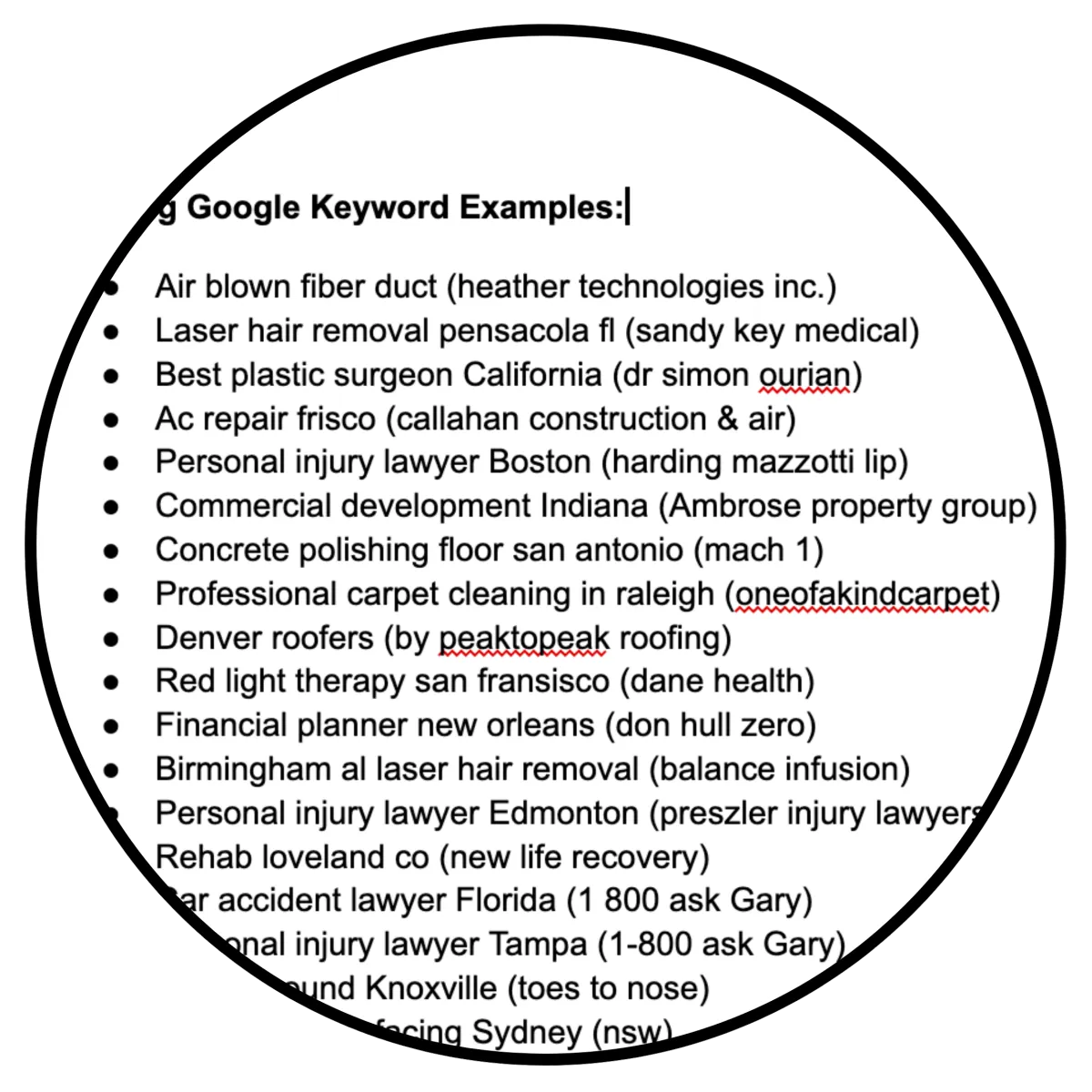
Live Demo
TAB #4
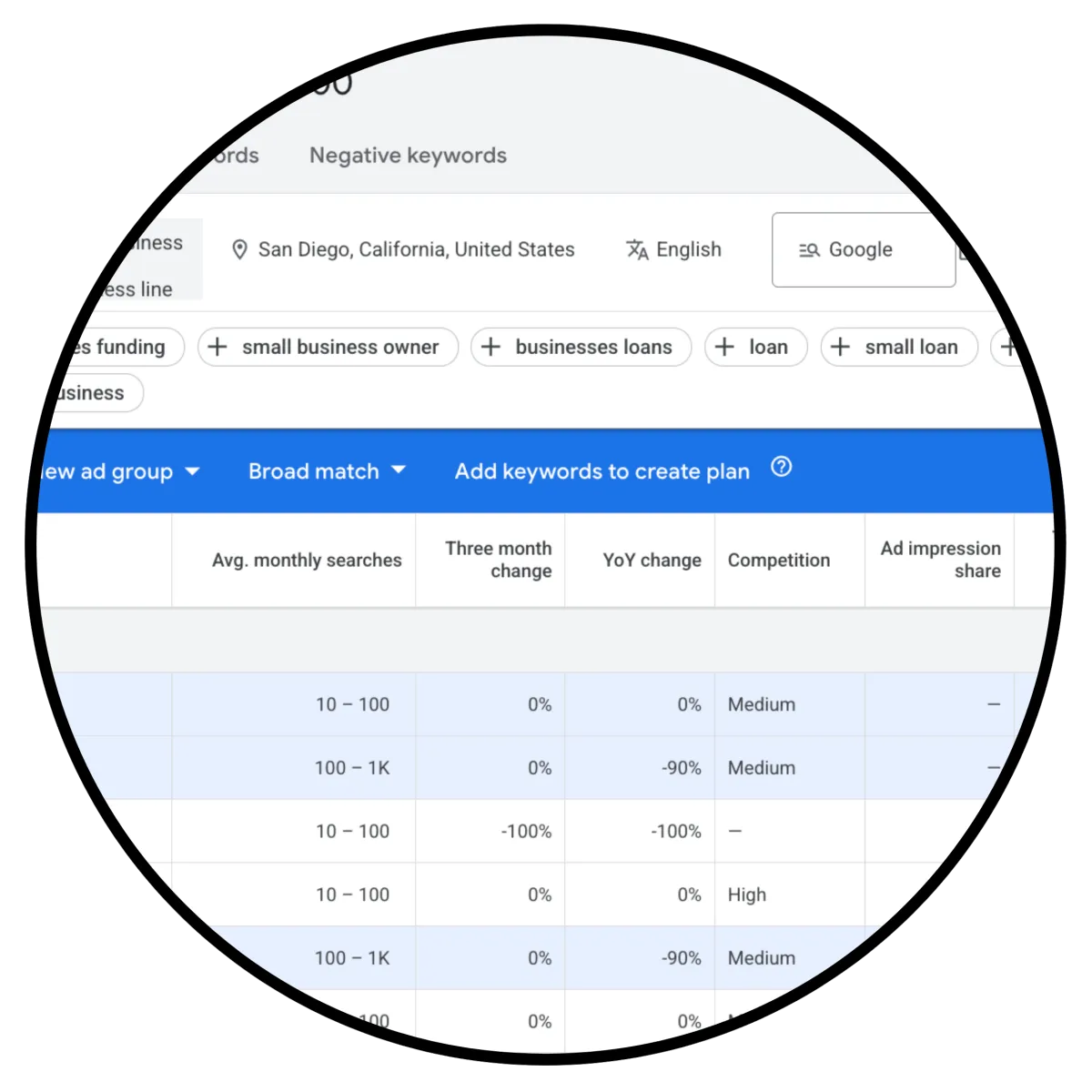
Keyword Planner
TAB #5
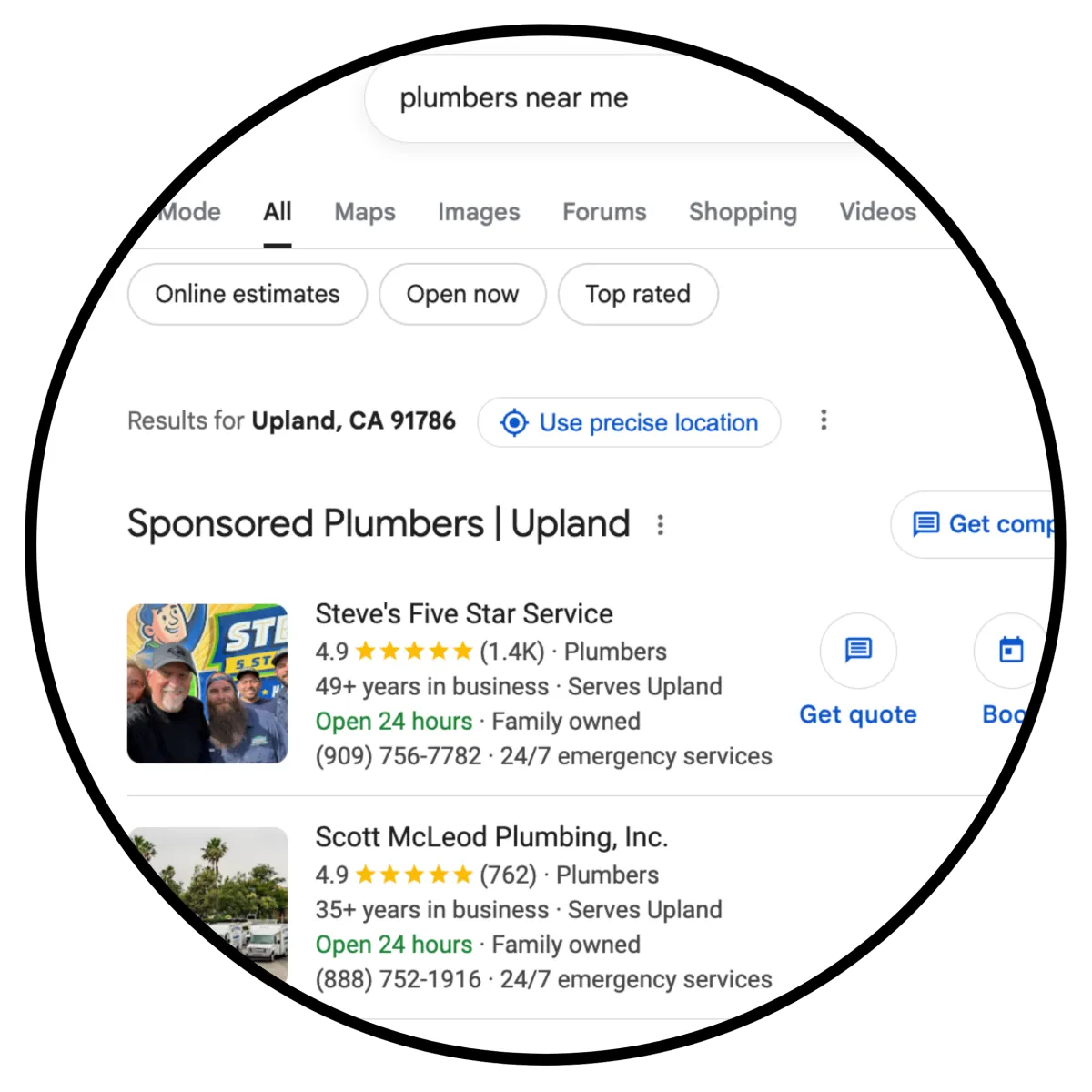
Plumbers
TAB #6
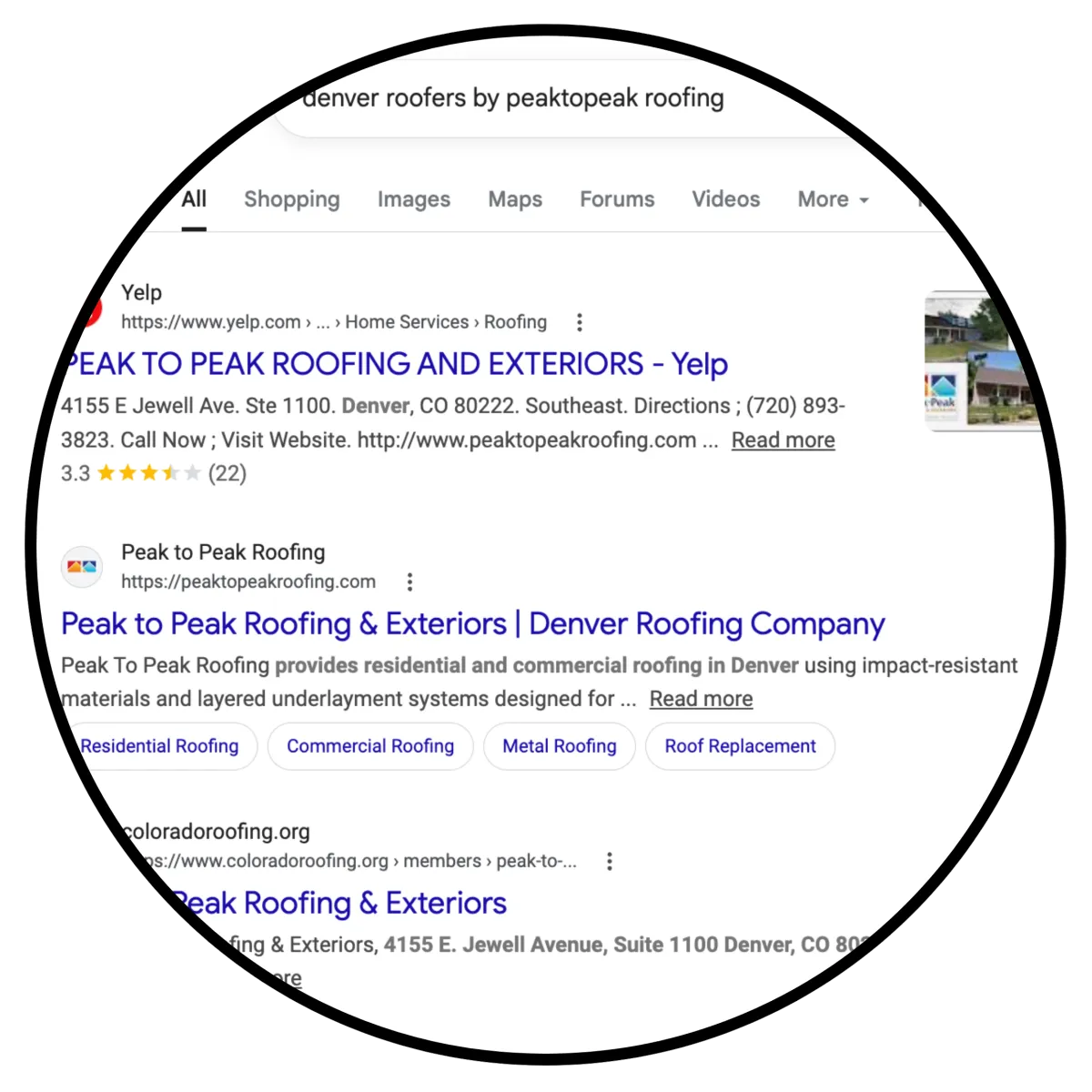
Roofer (Our Client)
TAB #7

Bridge Page
TAB #8

Discount Calculator
TAB #9

Citation Boost
TAB #10

Why Choose Us?
TAB #11

Worksheet
TAB #11
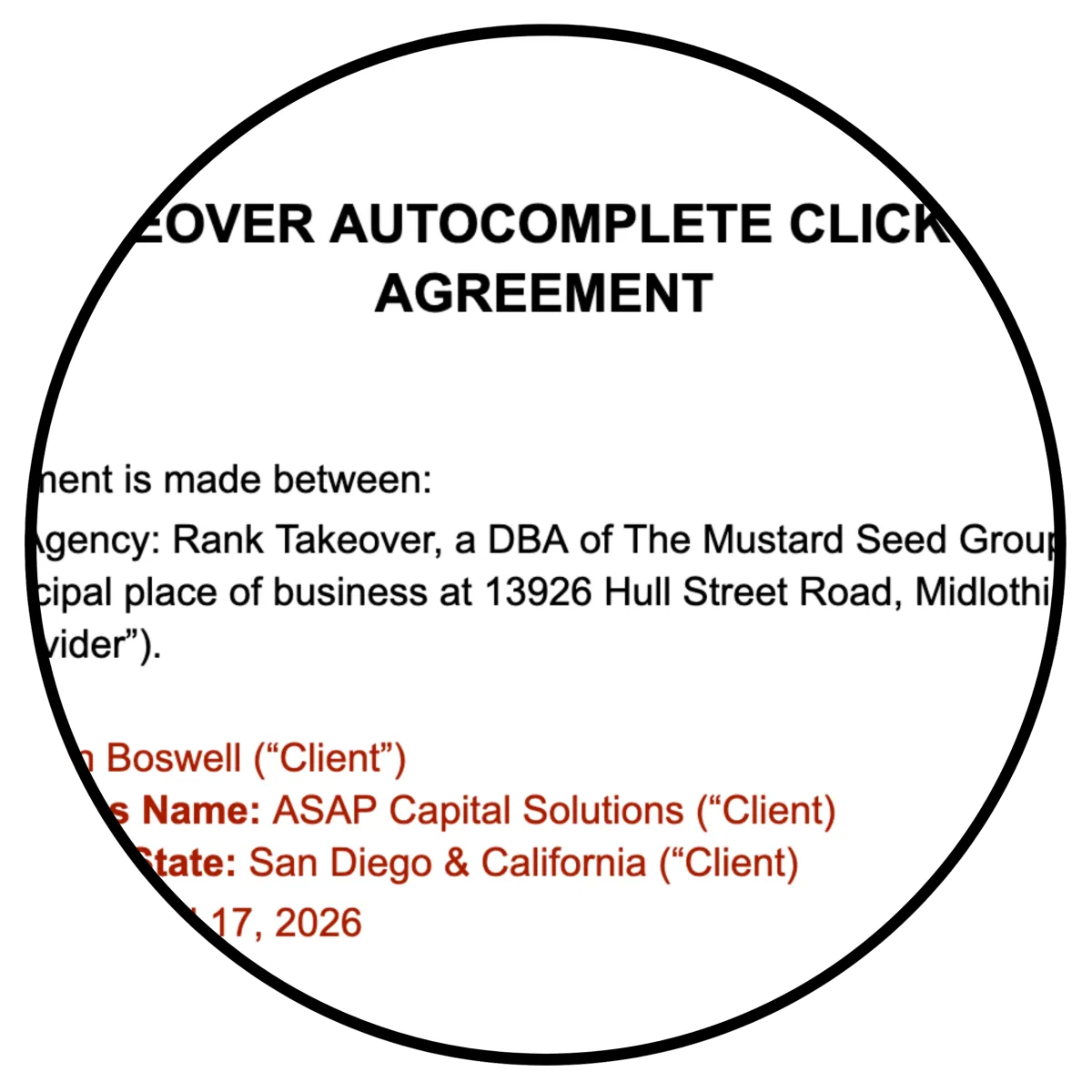
Agreement
TAB #12
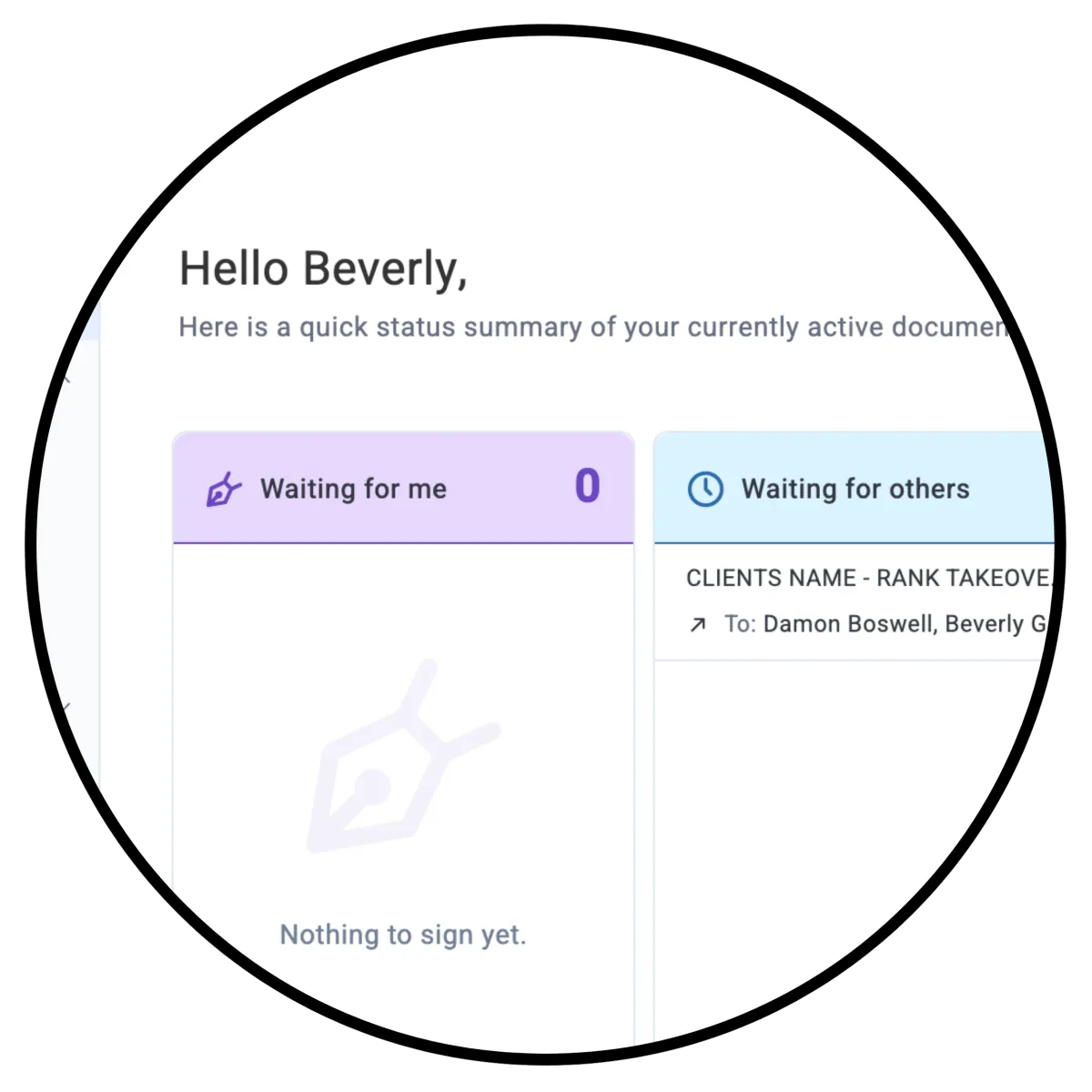
E-Sign
TAB #13

Whats Next
TAB #14

Client Portal
STEP THREE - MANDATORY - Client Must Fill Out Application
In this step you will learn about your company website and also live the client the application link for them to fill out BEFORE YOU GET ON THE ZOOM!
This is Super Important! EACH and EVERY client MUST fill out the application form. You may fill it out for them or they can.
STEP FOUR
Mandatory To Master Your Client Zoom
These videos are short and to the point, hitting highlights that you need to know about that section so your Zoom cal will be productive and close with ease.
VIDEO TAB #1
Company Website
VIDEO TAB #2
Zoom Deck Intro
VIDEO TAB #3
Live Demo
VIDEO TAB #4
Keyword Planner
VIDEO TAB #5
Plumbers
VIDEO TAB #6
Roofer (Our Client)
VIDEO TAB #7
Bridge Page
VIDEO TAB #8
Discount Calculator
VIDEO TAB #9
Citation Boost
VIDEO TAB #10
Pricing
VIDEO TAB #11
WorkSheet
VIDEO TAB #12
Agreement
VIDEO TAB #13
E-Sign
VIDEO TAB #14
Whats Next
VIDEO TAB #15