Statistics on the Calculator for NSW Secondary Mathematics Students
Below are the step by step instructions of how to use a scientific calculator for statistics in high school mathematics.
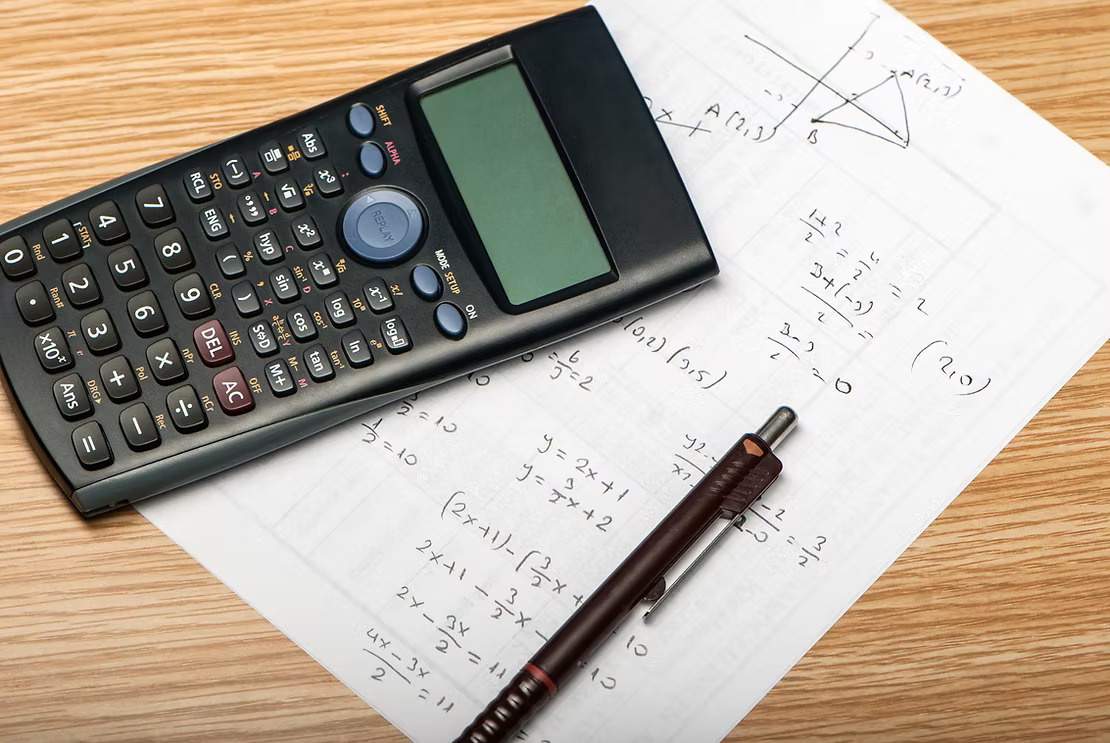
Statistics Mode
MODE
STAT (2)
1-VAR (1) A+BX(2)
Single Set of Data Brivariate Data
X X Y
Frequency
This can be used for both the Single Set Data (1-VAR) or the Bivariate Data (A+BX)
SETUP (SHIFT MODE)
↓
STAT (3)
Frequency
(1) ON (2) OFF
Single Set Data
MODE
STAT (2)
1-VAR (1)
Enter Data (=)
Clear Screen (AC)
STAT (SHIFT 1)
o Data (2)
Displays Data
o Var (4) - Variables
(1) n = number of scores
(2) x̄ = mean
(3) σx = population standard deviation
(4) sx = sample standard deviation
o MinMax (5)
5 Number Summary
(used for Box-and-Whisker Plots)
(1) minX = smallest score
(2) maxX = largest score
(3) Q1 = lower quartile
(4) med = median
(5) Q3 = upper quartile
Bivariate Data
MODE
STAT (2)
A+BX (2)
Enter Data (=)
Clear Screen (AC)
STAT (SHIFT 1)
o Data (2)
Displays Data
o Var (4) - Variables
(1) n = number of scores
(2) x̄ = mean of x scores
(3) σx = population standard deviation of x scores
(4) sx = sample standard deviation of x scores
(5) ȳ = mean of y scores
(6) σy = population standard deviation of y scores
(7) sy = sample standard deviation of y scores
o Reg (5) - Regression
(1) A
(2) B
The above gives the equation of the regression line, y=A+Bx
(3) r = correlation coefficient
o MinMax (6)
(1) minX = smallest x score
(2) maxX = largest x score
(3) minY = smallest y score
(4) maxY = largest y score
