




Guiding Businesses Toward Growth and Success
Unlock Your Business’s Full Potential with Tailored Solutions
I understand the unique needs of Go High Level (GHL) agencies. With first-hand experience—having started, grown, and successfully sold my own agency—I know what it takes to build and sustain growth in a competitive market. I’m committed to helping GHL agencies like yours leverage the platform’s powerful tools, optimise workflows, and scale your offerings. From boosting client acquisition to strengthening retention, I provide custom solutions that drive growth at every stage. No cookie-cutter solutions or generic snapshots here—every strategy is custom-designed to elevate your agency’s growth and position you as a leader in your market.
How I Help GHL Agencies Succeed
Strategic Consulting for GHL Agencies
Running a successful GHL agency requires more than technical know-how; it requires a strategic roadmap that aligns with your agency’s goals and the needs of your clients. I work closely with GHL agency owners to develop a tailored strategy that enhances service offerings, drives growth, and ensures long-term scalability. Whether you’re refining your agency’s business model, optimising pricing structures, or expanding into new markets, my consulting services are designed to give you a competitive edge. Together, we’ll identify opportunities unique to your agency, allowing you to deliver more value to your clients and establish a robust foundation for growth.
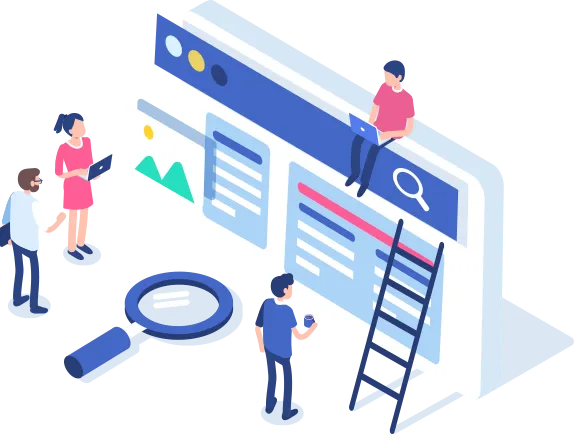

Growth and Scaling Support
One of the biggest challenges for GHL agencies is utilising the platform to its full potential. With extensive experience in Go High Level, I provide customised optimisation services that help agencies streamline workflows, automate client management, and improve overall efficiency. From tailored automation sequences and CRM configurations to lead management systems, I ensure that each aspect of your GHL setup is customized to meet your agency’s needs. This includes:

Enhanced Automation Workflows
Custom automation sequences designed to nurture leads, engage clients, and streamline operations, freeing up time and resources to focus on growth.

Lead and Client Management Systems
Efficient, customised systems to organise, track, and follow up with leads, ensuring you stay connected with every client and prospect.

CRM Customisation
I tailor the GHL CRM to support your agency’s unique processes, from client onboarding to long-term retention.

Performance Reporting
Metrics tracking and reporting setups that provide you with actionable insights, helping you refine services and demonstrate value to clients.
Digital Transformation and AI Integration
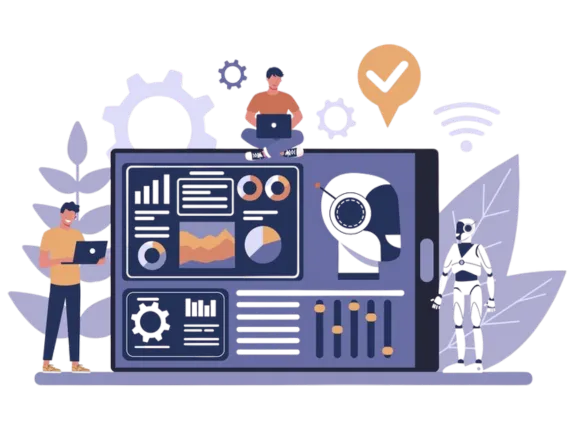
Staying competitive means adapting to the latest technologies. I help businesses leverage AI and digital tools to improve efficiency and decision-making. Every recommendation and integration is carefully chosen to suit your business’s specific needs

Custom Business Solutions
Because every business is unique, so are my solutions. From creating a strategic growth plan to developing training programs, each piece of guidance I provide is designed to address your business’s unique opportunities and challenges.
Why Choose Steven Tann?

No Pre-Built Solutions—Only Tailored Expertise
I’m committed to providing solutions that reflect the uniqueness of your business. You won’t find pre-packaged or generic snapshots here—just strategies that are purpose-built for your specific goals.

A Results-Driven, Collaborative Approach
I work as your partner, listening closely to your vision and creating clear, actionable plans that align with your business. Each step of our journey is focused on achieving meaningful outcomes tailored to your needs.

Commitment to Long-Term Success
I prioritise sustainable strategies that empower you and your team to continue thriving long after our engagement. My goal is to equip you with tools, confidence, and a roadmap for lasting growth.
Areas of Expertise

Agency Strategy & Growth Consulting
Customised plans to refine your agency’s positioning, enhance your service offerings, and achieve sustainable growth.
High Level (GHL) Optimisation
Tailored workflows, automation setups, CRM enhancements, and optimised lead management to support your agency’s unique needs.

Process Optimisation
Streamlining processes to maximise efficiency and reduce costs, with a plan designed specifically for your operations.

Digital Transformation & AI Integration
Leveraging AI tools and digital solutions in ways that support your agency’s services, efficiency, and client experience.

Team Training & Development
Empowering your team with the skills and confidence to maximise GHL’s potential and deliver exceptional client value.
Ready to Take Your
GHL Agency to the Next Level?
I’m here to guide you through every step of your business journey, offering strategies and support that fit your unique vision and challenges. If you’re ready to move past obstacles and unlock real growth, let’s connect. I prioritise sustainable strategies that empower you and your team to continue thriving long after our engagement. My goal is to equip you with tools, confidence, and a roadmap for lasting growth.
Book A Call
Our Tribe



Blogs
How to Build a Thriving GHL Community (Without Losing Your Sanity)
How to Build a Thriving GHL Community (Without Losing Your Sanity)
Welcome to the GHL Jungle

Steven Tann
Introduction: Welcome to the GHL Jungle
Unless you’ve been living under a rock (or worse—ignoring marketing trends), you’ve probably noticed that online communities are taking over the world. Businesses, course creators, and influencers are all jumping on the bandwagon, creating spaces where their audience can engage, learn, and, of course, buy more stuff.
GoHighLevel (GHL) is no exception. In fact, it’s one of the best platforms for building a community because it’s constantly improving based on user feedback. So today, I’m going to walk you through how to create a successful GHL community—without breaking your keyboard, your budget, or your will to live.
Let’s do this! 🚀
Step 1: Setting Up Your GHL Community
1.1 Navigate to the Right Place
First things first—head over to GoHighLevel and make your way to:
➡️ Sites ➝ Memberships ➝ Communities
You’ll see a magical button that says “Create Group”. Click it. You are now officially a digital landlord. Congratulations!
Step 2: Choosing a Domain That Doesn’t Look Like a Wi-Fi Password
By default, GHL gives you a domain that looks like a secret government code:
ghl123xyz.marketing.com
Not exactly on-brand, right? Here’s how to fix it:
Go to Client Portal ➝ Settings ➝ Domain Setup
Change it to something recognizable, like:
community.yourbrand.comvip.yourbrand.comnotasketchysite.com(okay, maybe not this one)
Remember: You can’t use your main domain. You need a subdomain like portal.yourbrand.com.
Step 3: Creating Your Community Space
3.1 Give It a Cool Name
Pick something catchy! Examples:
✔️ Marketing Masters
✔️ Tech Titans
✔️ The Funnel Freaks
(Okay, maybe not that last one.)
3.2 Fill in the Essentials
Community Description – If writing isn’t your thing, use ChatGPT! (Shameless plug.)
Logo & Cover Image – Make it look fancy. If you don’t have a logo, just use a cat meme.
Favicon – That tiny icon that shows up in browser tabs. Don’t skip this!
Once you're happy, hit Create Group and boom—your community is alive.
Step 4: Organizing Channels Like a Pro
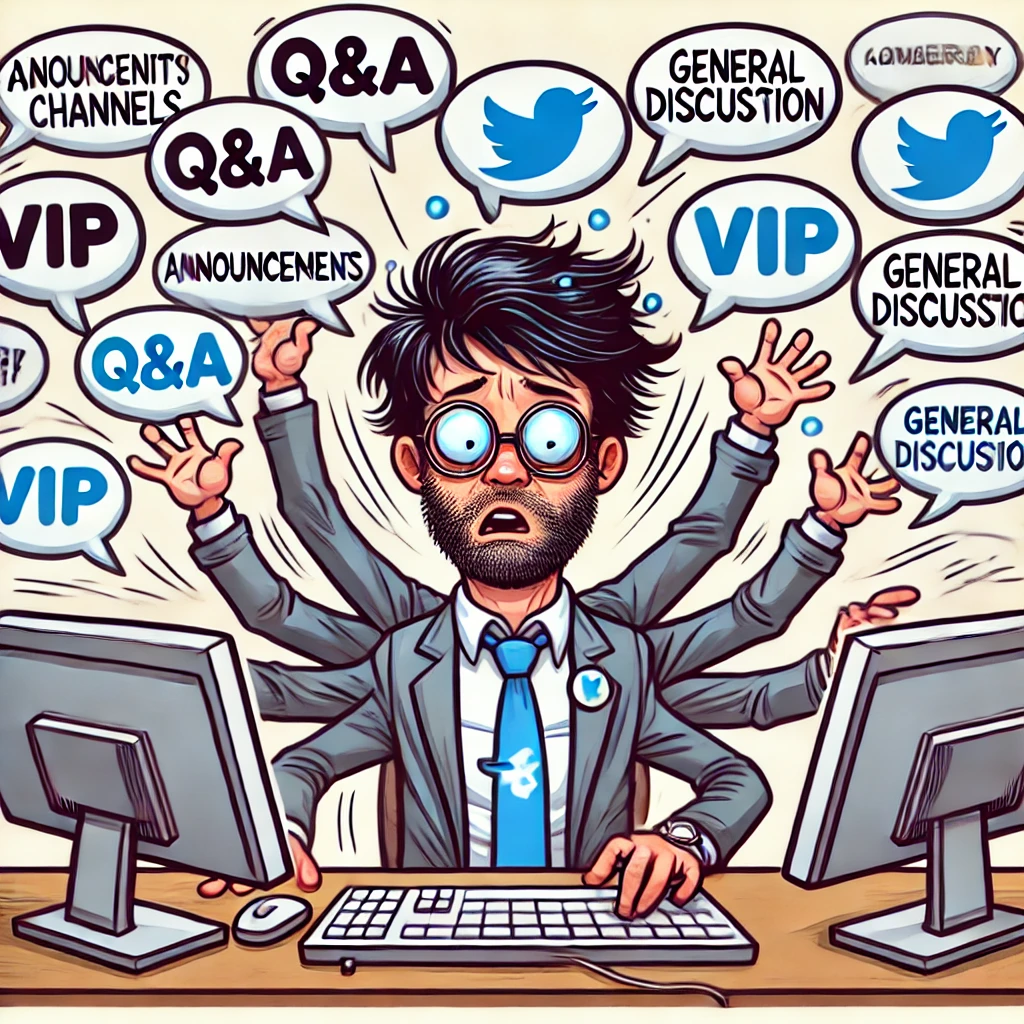
Now, let’s talk channels. These are like the rooms in your community mansion. Too many, and people get lost. Too few, and it’s chaos.
Some must-have channels:
✔️ Announcements – For big updates (and the occasional dramatic post)
✔️ General Discussion – Where everyone hangs out
✔️ Q&A – To avoid 500 “where do I find the login?” posts
✔️ VIP Members – For your paying customers (a.k.a. the “we love money” channel)
✔️ SOPs & Resources – So you don’t have to answer the same questions 10,000 times
Create these by clicking “Add Channel” and naming them accordingly.
Step 5: Adding Courses (and Making $$$)
Want to sell courses inside your community? GHL makes it easy.
Go to Learning inside your community.
Click “Add Course” (pick free or paid).
Set a price (or make it a reward for active members).
💡 Pro Tip: You can also connect Stripe or PayPal to monetize your community. Because why build a free club when you can build a profitable one?
Step 6: Managing Members Without Losing Your Mind
Your community will attract two types of people:
Awesome, engaged members 🎉
Trolls and spam bots 🤦♂️
6.1 How to Add Members
Manually – If you like doing things the hard way.
Via Automation – The smart way! Set up workflows where:
✔️ People who buy a course automatically get access.
✔️ Users filling out a form get invited.
✔️ VIP members get special access to premium channels.
6.2 How to Ban (a.k.a. The Digital Bouncer Method)
Click on Members
Select the troublemaker
Click Ban (sweet, sweet justice)
You can even delete all their posts upon banning them. No evidence left behind. 👀
Step 7: Using Events, Leaderboards & Rewards to Keep Members Hooked
7.1 Setting Up Events
Go to Events ➝ Create Event
Add Office Hours, Q&A Sessions, or Webinars
Set it to Recurring so you don’t have to keep adding it manually
📢 Bonus: GHL can remind members one day before the event automatically!
7.2 Gamification & Rewards
Want to make your community addictive? Use points & levels!
Likes & comments = points
Points = higher ranking
Higher ranking = rewards (discounts, free courses, VIP access, etc.)
Go to Gamification Settings to rename levels. Example:
✔️ Level 1: Newbie
✔️ Level 5: Marketing Ninja
✔️ Level 10: Overlord of Funnels
Use leaderboards to make it competitive!
Step 8: Automating EVERYTHING
Want to save time? Automate membership access!
Grant Access – If they buy a course, tag them & auto-add them.
Revoke Access – If their subscription expires, auto-remove them.
Send VIP Upgrades – If someone pays for VIP, move them into private channels.
💡 Extra Tip: Use the Social Planner to schedule posts weeks in advance.
Step 9: Promote Your Community (a.k.a. Get People to Join)
What’s the point of building a community if no one knows about it? Here’s how to get members:
✔️ Link it in your email signature
✔️ Promote it on social media
✔️ Offer it as a bonus in your courses
✔️ Advertise on GHL’s “GoCollab” (once you hit 10 members)
The bigger the community, the more valuable it becomes. So start inviting people ASAP!
Conclusion: You Did It! 🎉
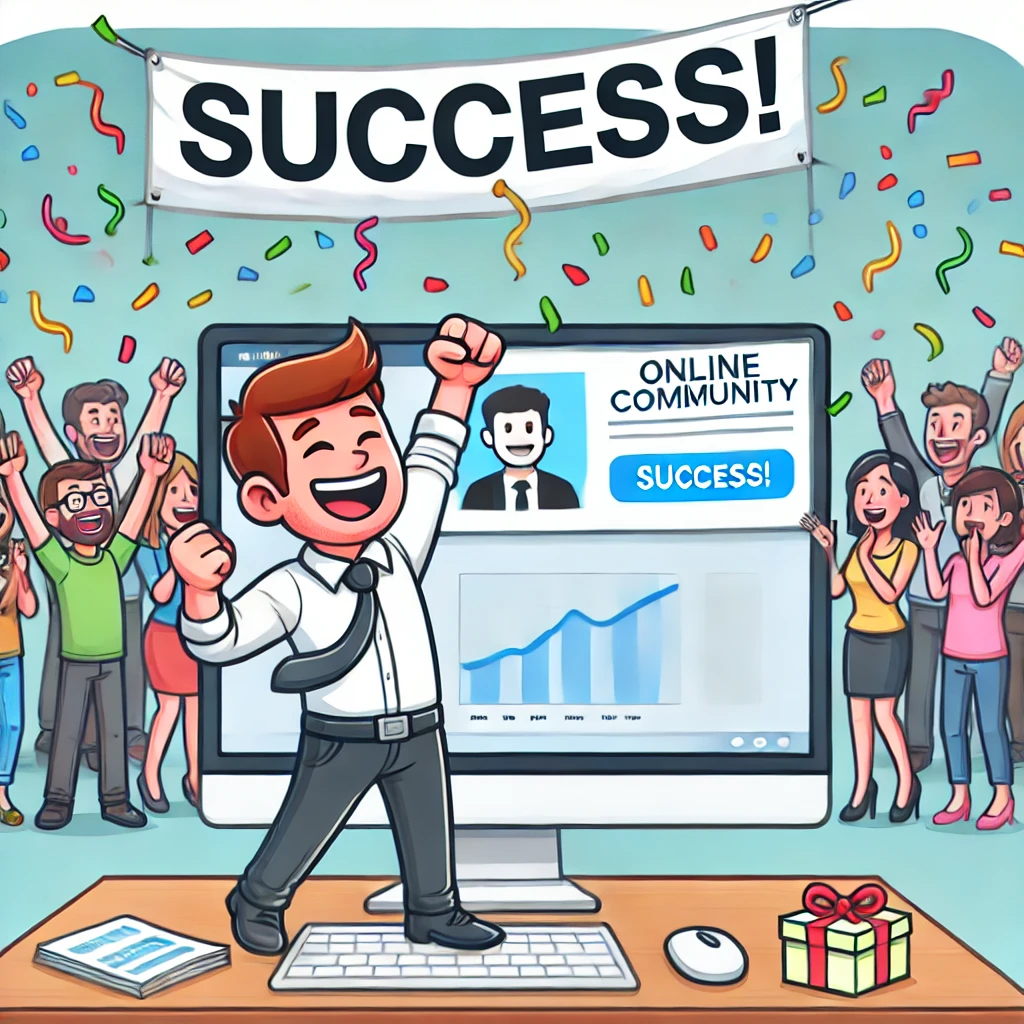
And that’s it! You now have a fully operational GoHighLevel community, complete with:
✅ A custom domain
✅ Organised channels
✅ Paid courses & memberships
✅ Automated access & rewards
✅ Events & leaderboards
Now go forth and build the most epic community ever! (And don’t forget to ban the trolls.)
FAQs
1. Can I use my main domain for my GHL community?
Nope! You need a subdomain like community.yourbrand.com.
2. How do I make money from my community?
Charge for courses, VIP access, private events, or coaching.
3. How do I automate community access?
Use GHL workflows to grant or revoke access based on purchases or actions.
4. What if my community is dead?
Host events, post daily, reward engagement, and promote it like crazy!
5. How do I prevent spammers?
Use moderation tools and ban anyone who posts sketchy links.


Submit a Request
Ready to elevate your marketing? Fill out the form below, and our team will craft a solution for your needs.
Subscribe to our social


