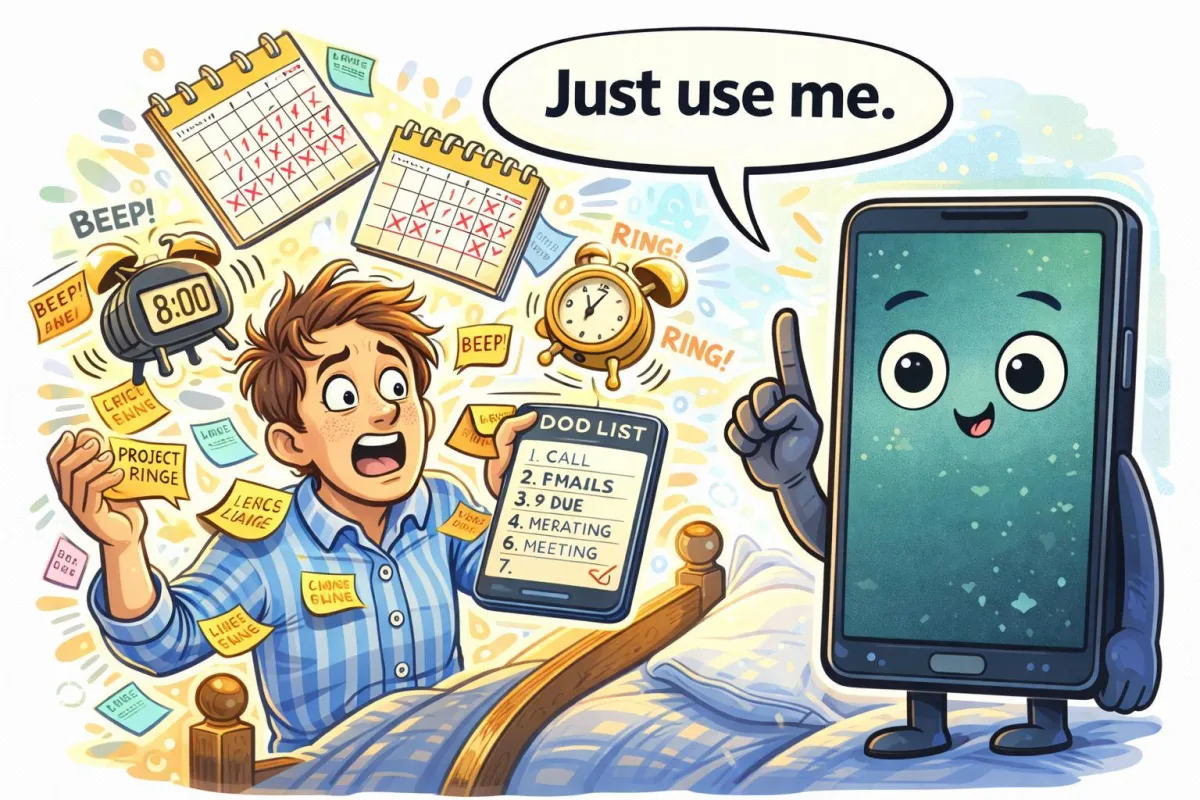
Never Forget Again: Simple Reminder Tools That Actually Work
Quick Summary
Missed appointments, forgotten medications, and “I meant to do that” moments don’t come from carelessness — they come from mental overload. The right reminder tools can quietly support your day without nagging or complexity. This guide shows how to use simple tech reminders that actually work.
Imagine This Scenario
You’re relaxing in the afternoon when a thought pops up:
“Wasn’t I supposed to take something today?”
You check the clock.
Oops.
It’s not that you forgot — your brain just had too many tabs open.
Let’s fix that gently.
1. Why Forgetting Is Normal (and Not Your Fault)
Summary: The brain isn’t built to track dozens of daily details.
Appointments.
Medications.
Birthdays.
Bills.
That’s a lot to remember — especially when routines change.
Technology works best when it remembers for you.
2. Use One Reminder Tool — Not Five
Summary: Too many tools cancel each other out.
Pick one main reminder system, such as:
Phone reminders
Calendar alerts
Voice assistants (Siri / Google)
Consistency matters more than features.
“Need a hand? Your friends at FriendlyHelp are just a click away—book your appointment today!\
3. Medication Reminders That Don’t Feel Bossy
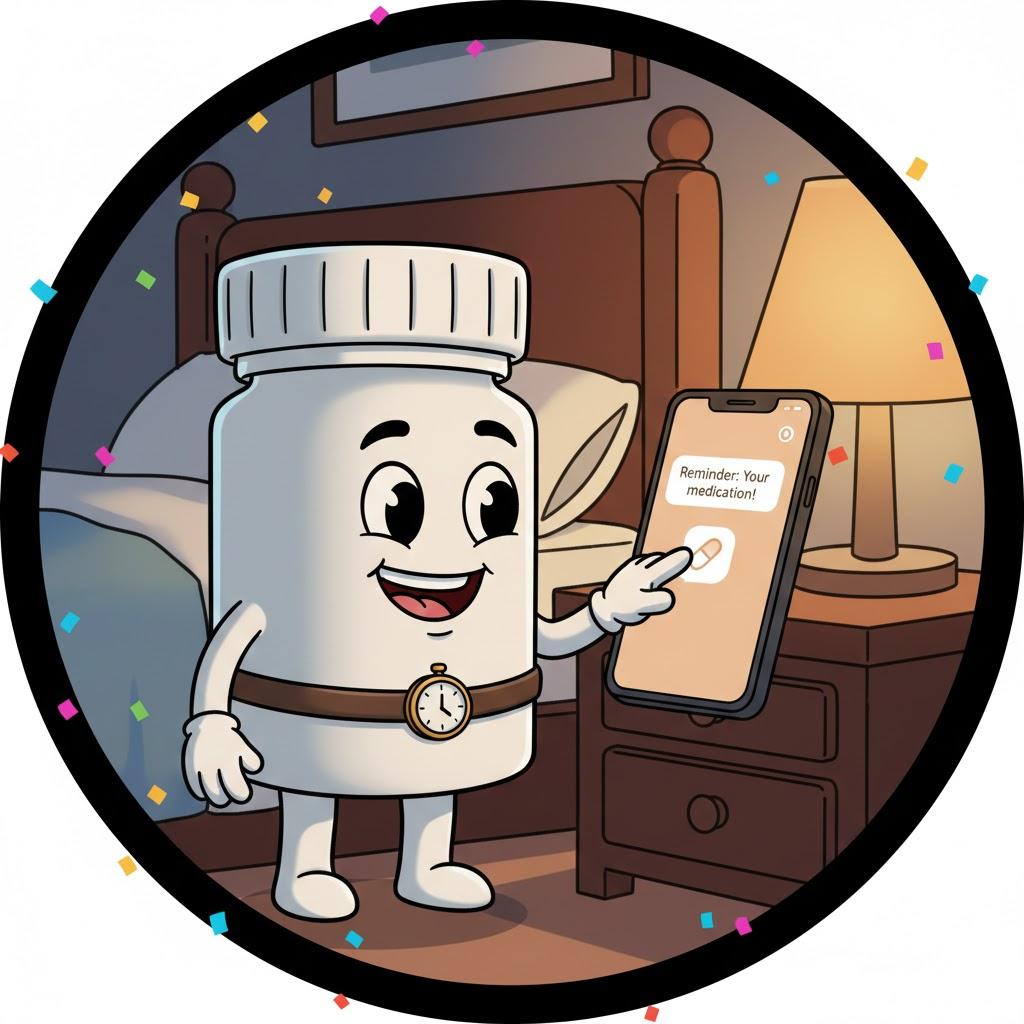
Summary: Gentle reminders beat loud alarms.
Best practices:
Use soft alert tones
Label reminders clearly (“Morning blood pressure pill”)
Set repeat schedules
Helpful apps include:
Built-in phone reminders
Medisafe
MyTherapy
“Need a hand? Your friends at FriendlyHelp are just a click away—book your appointment today!
4. Appointment Reminders Reduce Stress
Summary: Knowing you won’t forget makes today calmer.
Set reminders:
One day before
One hour before
Include:
Location
Who it’s with
Any notes (“Bring documents”)
Once saved, your brain relaxes.
5. Voice Reminders for Busy Hands
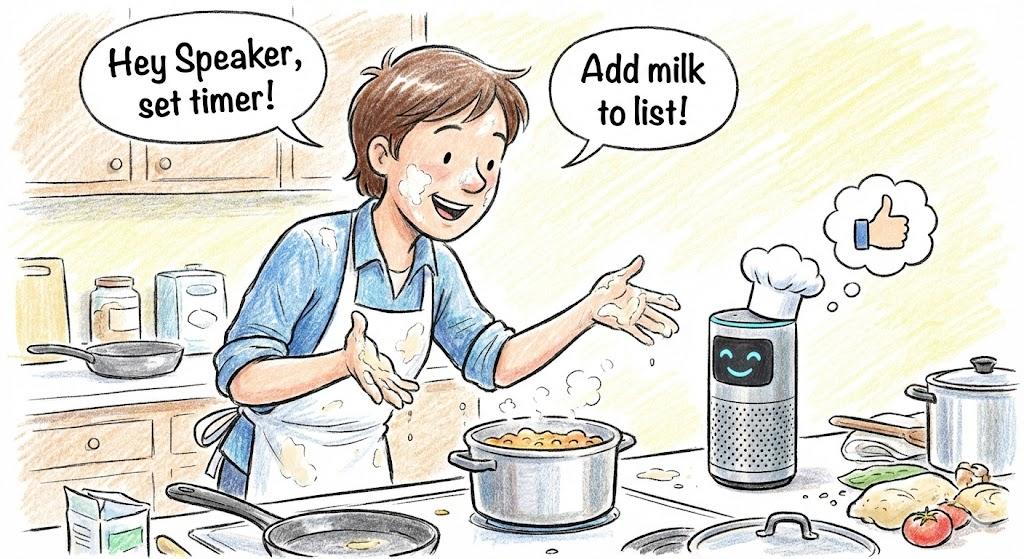
Summary: Speaking is easier than typing.
Examples:
“Hey Siri, remind me to water plants tomorrow morning.”
“Hey Google, remind me to call my sister at 6.”
This works especially well while cooking, cleaning, or resting.
6. Keep Reminders Positive
Summary: Friendly language improves follow-through.
Instead of:
❌ “TAKE MEDS NOW”
Try:
✔️ “Time for your morning meds 💙”
Tone matters — even from technology.
FAQ: Daily Reminders
Q1: Will reminders stop working if I ignore them?
No — but responding helps reinforce the habit.
Q2: Can reminders work without the internet?
Yes — most phone reminders do.
Q3: Is it okay to rely on reminders?
Absolutely. That’s what they’re for.
The 5 Golden Rules of Reminder Success ⏰
Use one main system
Keep messages clear
Use gentle tones
Repeat when needed
Let tech carry the load
Technology reminders aren’t about control — they’re about support. When your day feels lighter and less rushed, it’s often because you no longer have to remember everything on your own. And if setting reminders ever feels confusing, FriendlyHelp is always here to help you set them up calmly and clearly.
