Blog Posts
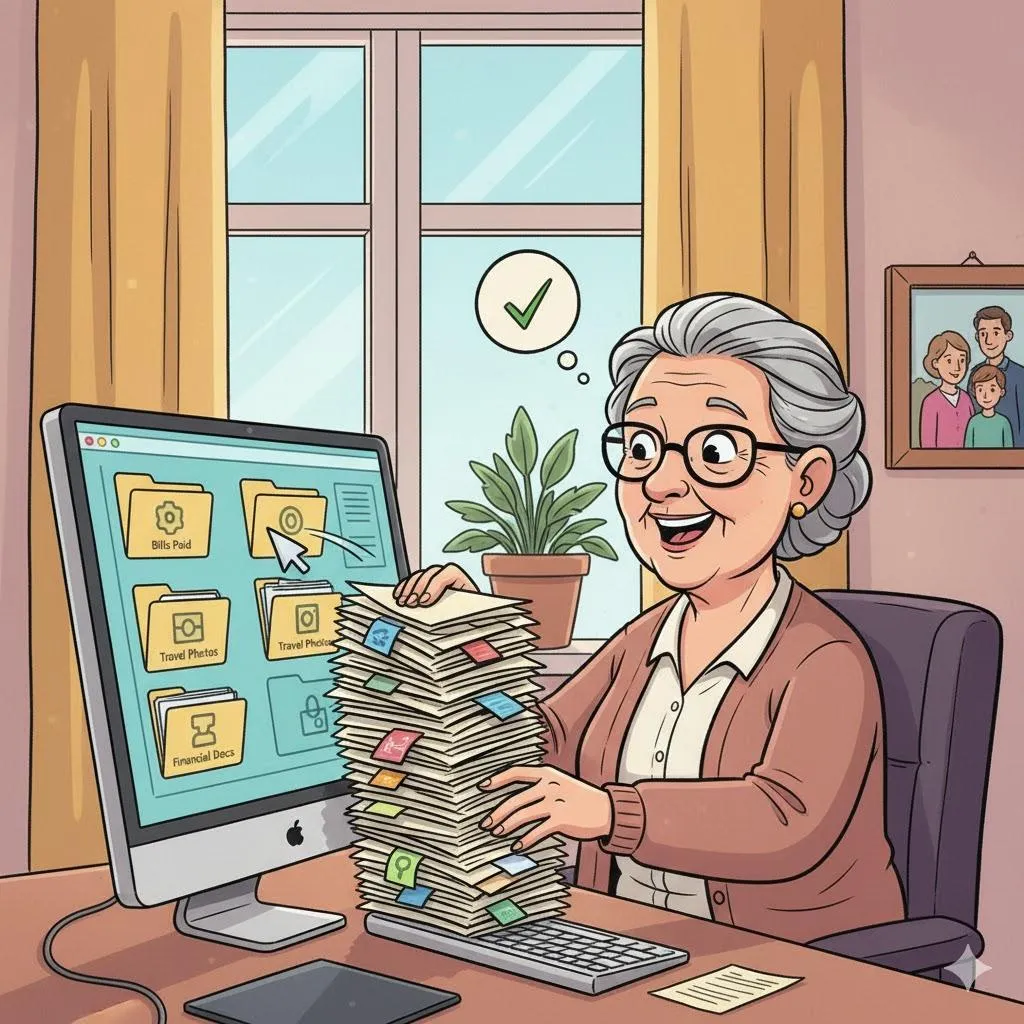
Everyday Health Apps That Make Life Easier (Not More Complicated)
 by: FriendlyHelp TeamPublished on: 13/05/2026
Quick Summary Health apps don’t need to feel clinical or confusing. The best ones quietly support daily life — helping you track medications, appointments, movement, and well-being without pressure.
❤️ Health, Reminders & Daily Living Tech
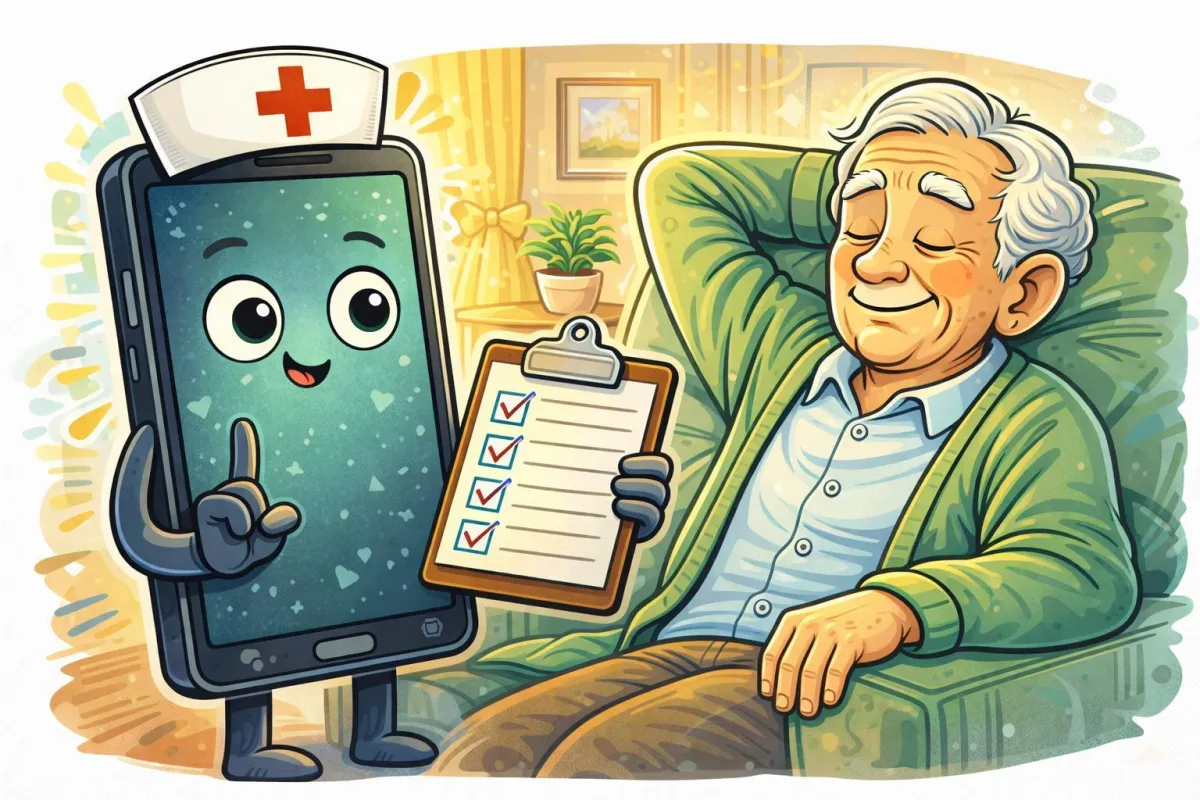
Never Forget Again: Simple Reminder Tools That Actually Work
by: FriendlyHelp TeamPublished on: 13/05/2026Missed appointments, forgotten medications, and “I meant to do that” moments don’t come from carelessness — they come from mental overload.
❤️ Health, Reminders & Daily Living Tech
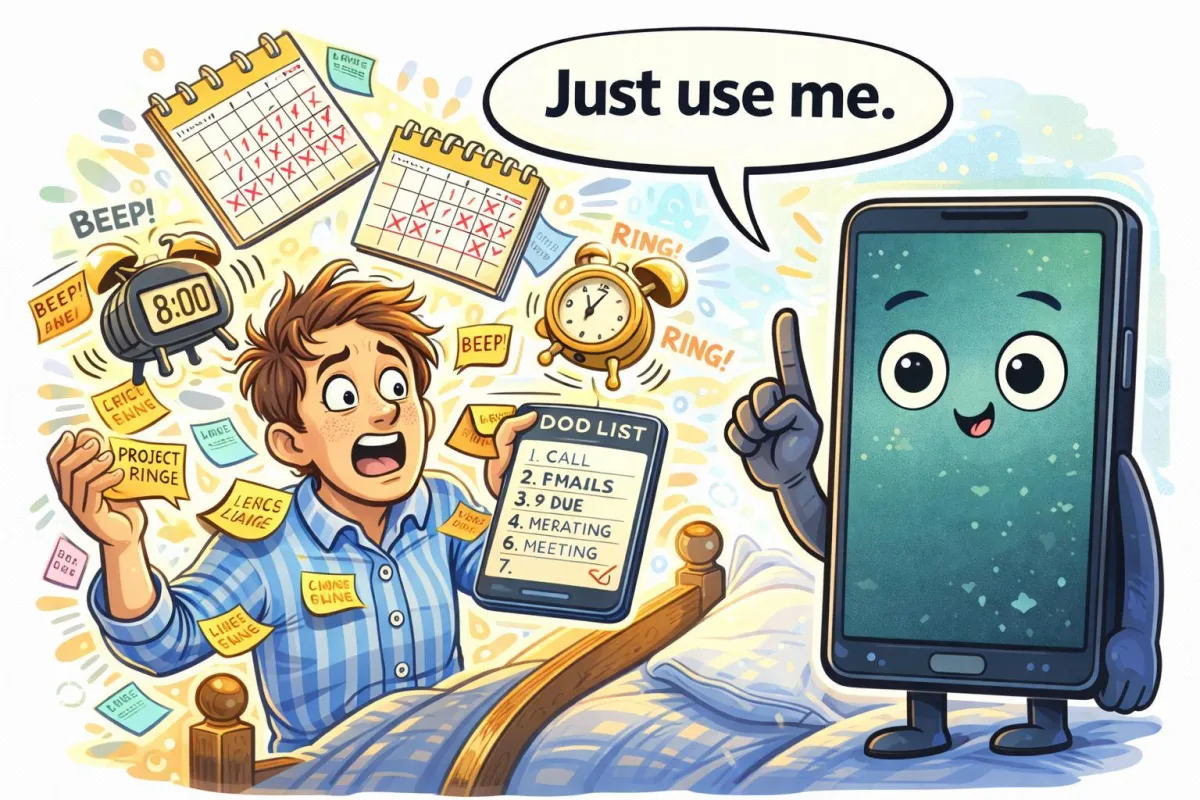
When Technology Helps You Sleep Better (Without Gadgets Taking Over)
by: FriendlyHelp TeamPublished on: 13/05/2026Quick Summary Sleep problems don’t usually come from screens alone — they come from stress, racing thoughts, and routines that quietly drift off course. The right technology can actually help you sleep better, as long as it stays simple and calm.
❤️ Health, Reminders & Daily Living Tech
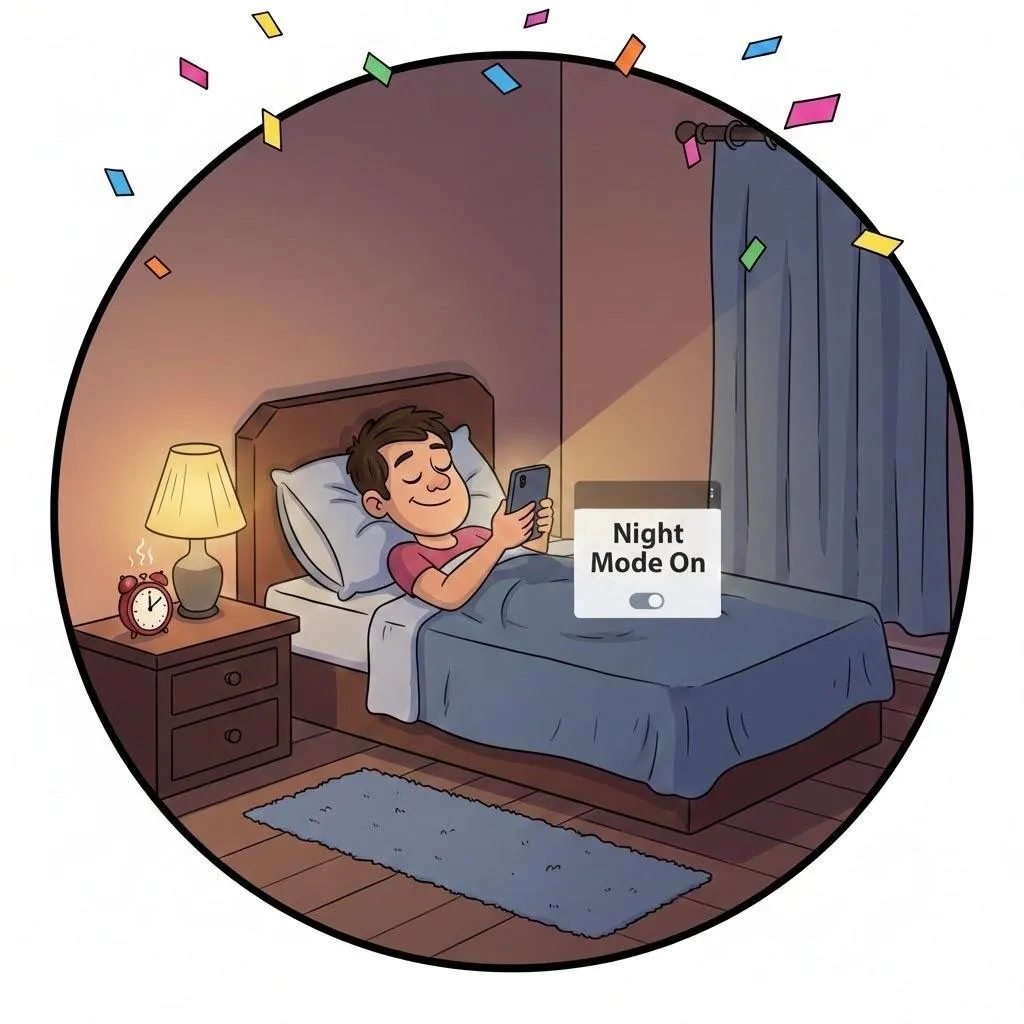
Digital Decluttering: How to Organize Your Computer (and Keep It That Way)
by: FriendlyHelp TeamPublished on: 06/05/2026Your computer is like a digital home—and just like closets, it fills up fast. Between old photos, downloads, and duplicate files, things can get messy.
📂 Files, Photos & Storage