When Technology Helps You Sleep Better (Without Gadgets Taking Over)
Quick Summary
Sleep problems don’t usually come from screens alone — they come from stress, racing thoughts, and routines that quietly drift off course. The right technology can actually help you sleep better, as long as it stays simple and calm. This guide shows how everyday tech can support better rest without turning bedtime into another chore.
Imagine This Scenario
You get into bed, ready to sleep.
Your mind immediately starts replaying tomorrow’s errands.
Did you lock the door?
Did you remember your medication?
Should you check the weather again?
Suddenly, sleep feels very far away.
Good news: technology doesn’t have to keep you awake — it can help you rest.
1. Why Sleep Is Often a “Thinking Problem”
Summary: The brain struggles to rest when it feels responsible for remembering everything.
Many people lie awake because their brain is still “on duty.”
It’s trying to remember appointments, medications, alarms, or unfinished tasks.
When reminders and routines live outside your head, your brain relaxes faster.
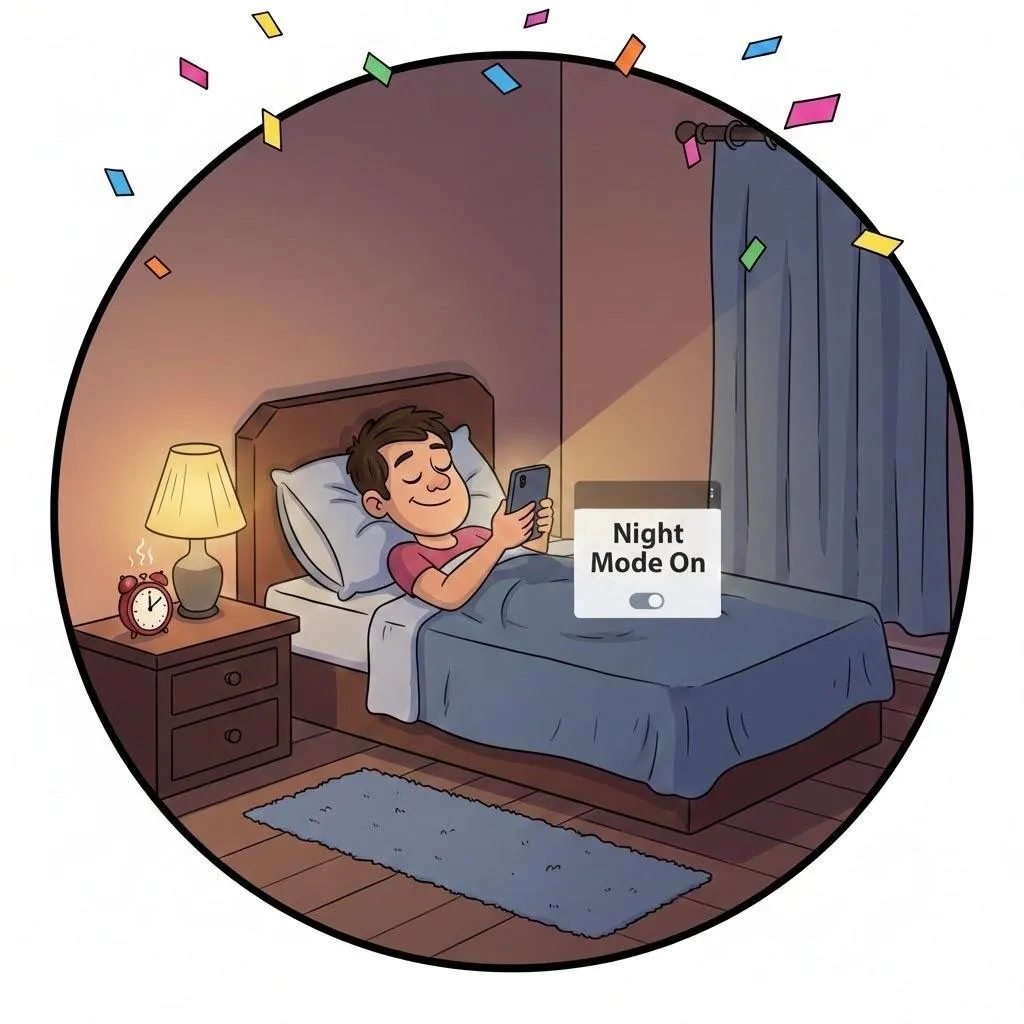
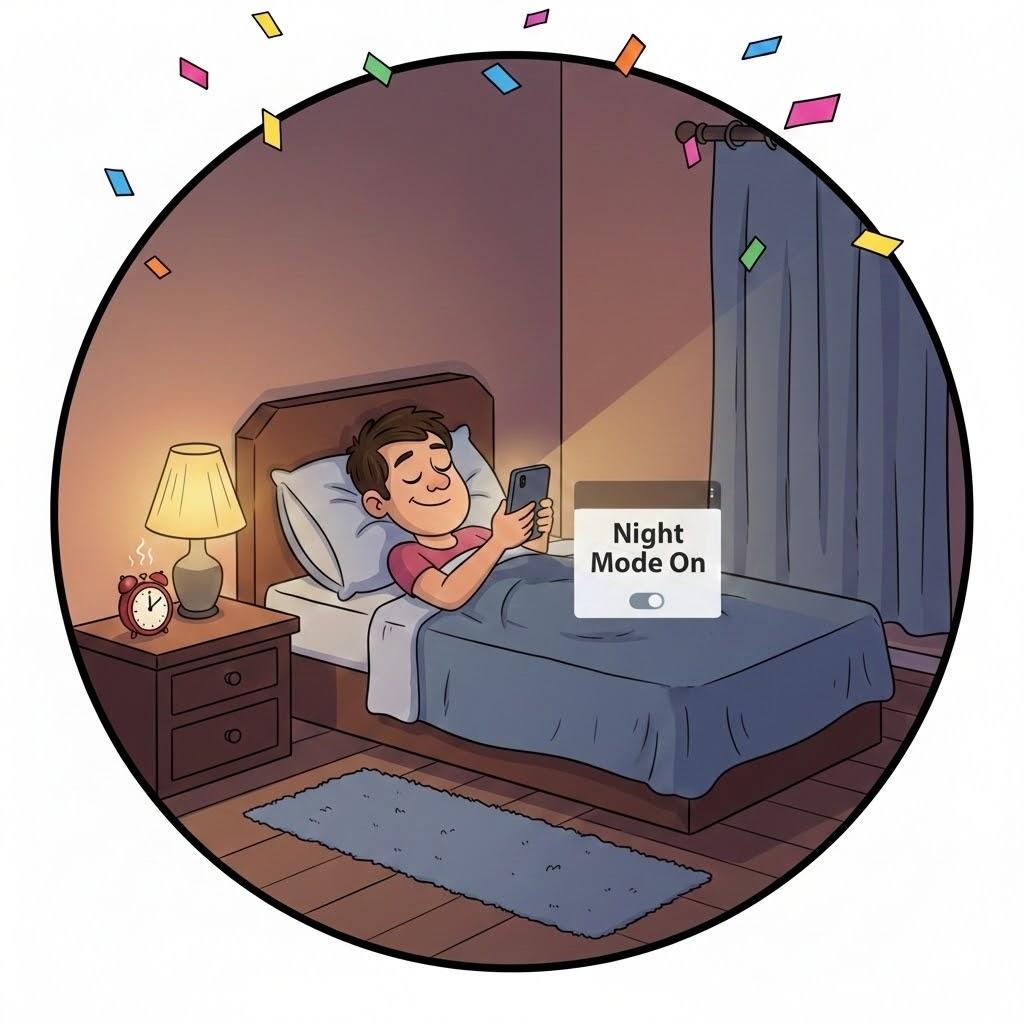
2. Use Night Mode and Blue Light Filters
Summary: Softer light helps your body understand it’s bedtime.
Most phones, tablets, and computers have:
Night Mode
Blue Light Filter
Eye Comfort Mode
Turning this on reduces harsh light and helps your body wind down naturally.
💡 Tip: Set Night Mode to turn on automatically after sunset.
3. Let Reminders Handle Tomorrow
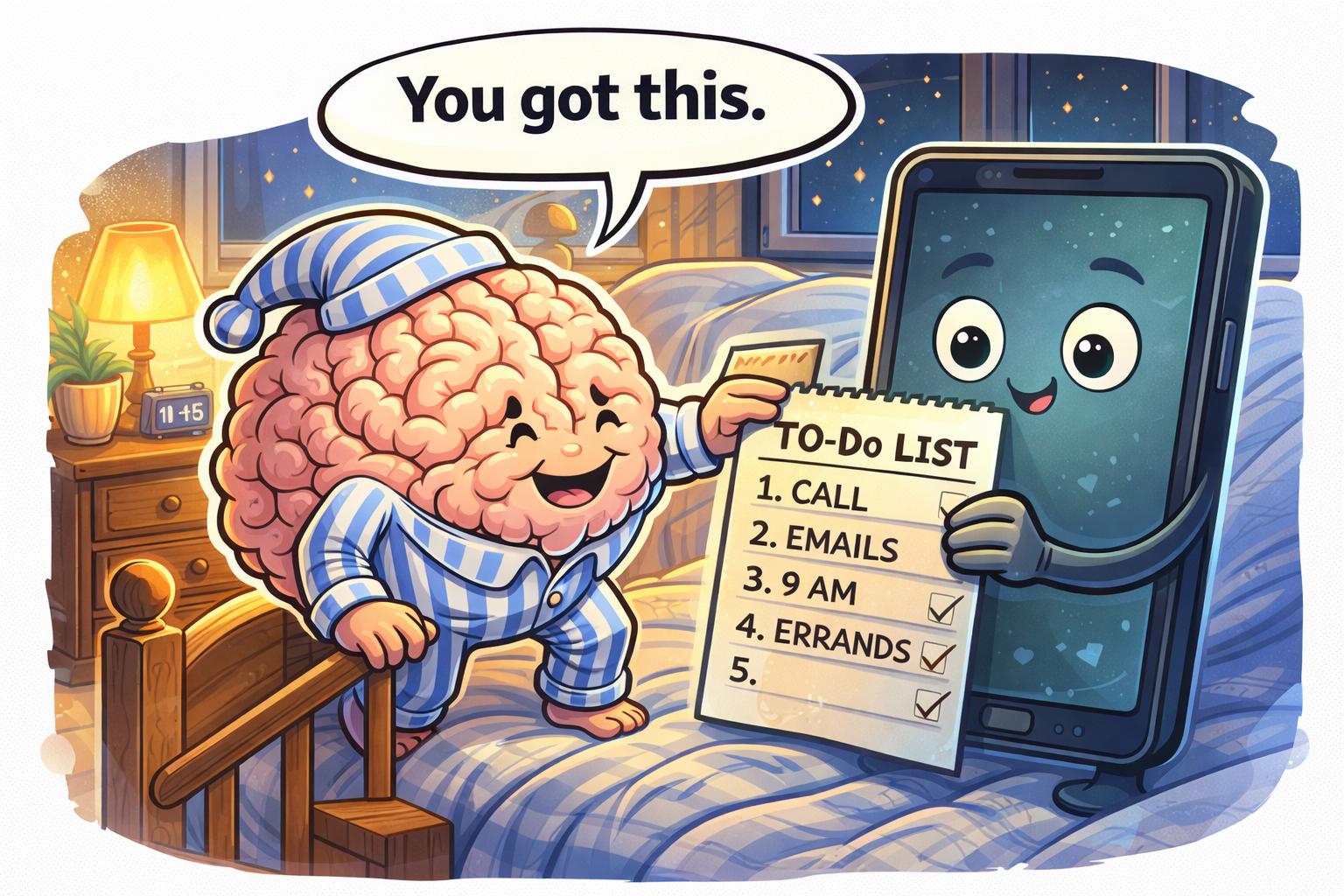
Summary: Reminders free your mind so it can rest.
Instead of thinking:
“I must remember this in the morning…”
Try:
Setting a reminder
Writing a quick note
Scheduling an alarm
Once it’s saved, your brain no longer has to guard it overnight.
4. Use Calm Sounds — Not Endless Scrolling
Summary: Gentle sound helps; endless content doesn’t.
Helpful options:
White noise
Rain sounds
Soft music
Sleep podcasts with timers
Avoid:
News videos
Social media scrolling
Bright, fast-moving content
Set audio to turn off automatically after 30–60 minutes.
“Need a hand? Your friends at FriendlyHelp are just a click away—book your appointment today!
5. Charging Without Stress
Summary: Charging habits affect sleep quality.
Helpful tips:
Plug your phone in away from the bed
Use Do Not Disturb overnight
Keep emergency contacts allowed
This keeps your phone useful — without constant buzzing.
6. Keep Bedtime Tech Simple
Summary: One or two tools work better than many.
A calm bedtime routine might include:
Night Mode on
Alarm set
One reminder saved
Phone face-down
That’s enough.
FAQ: Sleep & Technology
Q1: Should I avoid my phone entirely at night?
No. Use it intentionally, not endlessly.
Q2: Are sleep apps necessary?
Not always — built-in tools often work just fine.
Q3: What if I still can’t sleep?
Focus on reducing pressure, not perfection.
The 5 Golden Rules of Tech-Supported Sleep 🌙
Let reminders hold tomorrow
Soften your screen
Choose calm sounds
Avoid late-night scrolling
Keep routines simple
____________________________________________________________________________
Most sleep struggles aren’t caused by technology itself — they’re caused by stress, routines that drift, and too much pressure to “get it right.” Gentle tools like reminders, night mode, and calming sounds are meant to support rest, not complicate it. And when something feels confusing or frustrating, FriendlyHelp is always here to walk you through it calmly — so better sleep feels achievable, not overwhelming.
