
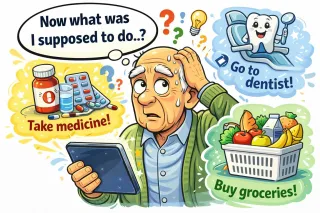
How Technology Can Help You Remember Medications and Appointments
If you’ve ever stared at your pill organizer thinking, “Did I take the blue one or the white one?”, you’re not alone! Fortunately, technology can lend a helping hand. ...more
❤️ Health, Reminders & Daily Living Tech
July 01, 2026•6 min read
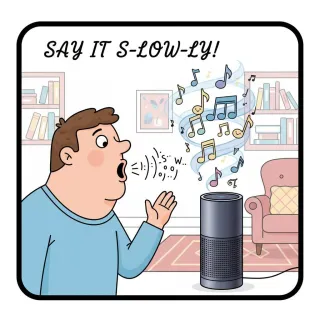
How to Use Voice Assistants (Alexa, Siri, Google) Without Getting Frustrated
Voice assistants like Alexa, Siri, and Google can feel like magical helpers—when they work. This guide shows you how to use them without the stress, including common mistakes, simple commands, and tri... ...more
❤️ Health, Reminders & Daily Living Tech
July 01, 2026•3 min read
Why Do I Keep Missing Important Alerts? A Simple Guide to Sounds, Banners, and Bad Timing
If you miss calls, reminders, or alerts — or only notice them hours later — your phone isn’t ignoring you. Notifications depend on sounds, settings, and timing. This guide helps make sure you hear wha... ...more
❤️ Health, Reminders & Daily Living Tech
July 01, 2026•2 min read
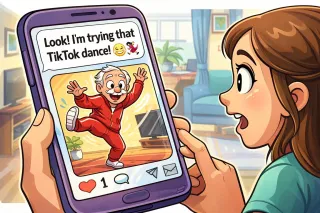
Texting for Beginners: How to Send, Reply, and Share Photos
Texting is one of the easiest—and fastest—ways to stay in touch with friends and family. This guide covers the basics: how to send a message, reply, and share a photo safely. ...more
📧 Email & Online Communication
June 23, 2026•2 min read

How Do I Use Zoom on My Computer?
Zoom is one of the easiest ways to video call family, friends, or doctors without leaving home. This simple guide walks you through how to set it up, join meetings, and look your best on camera—no tec... ...more
📧 Email & Online Communication
June 23, 2026•4 min read
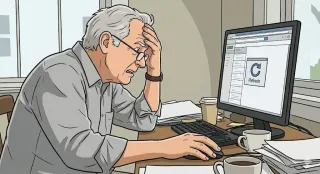
Why Aren’t My Emails Showing Up? A Friendly Guide to Missing Messages
If you’re expecting an email that never seems to arrive, your inbox isn’t broken — the message is usually hiding, delayed, or quietly sent somewhere else. This guide helps you find missing emails with... ...more
📧 Email & Online Communication
June 21, 2026•2 min read
Join our newsletter
We’ll send you a nice letter once per week. No spam.